10 Best AI Productivity Tools for 2026
Discover the top 10 AI productivity tools for 2026. A curated list for founders, students, and pros to boost focus, automate tasks, and achieve goals.
You’ve probably got the same mess most knowledge workers have right now. Tasks live in one app, meeting notes in another, ideas in a doc tool, email in its own silo, and your calendar keeps becoming the default decision-maker for work that should’ve been guided by goals.
That’s why so many AI productivity tools feel disappointing in practice. The individual features can be good. The system usually isn’t. You end up acting as the integration layer, copying action items from a meeting bot into a task manager, turning goals into ad hoc to-dos, and trying to remember why any of it mattered by Friday.
The broader market is moving fast. The global AI productivity tools market was valued at USD 8,801.2 million in 2024 and is projected to reach USD 36,377.8 million by 2033, with virtual assistants holding a 25.4% revenue share in 2024 according to Grand View Research’s AI productivity tools market report. That growth makes sense. These tools are no longer side experiments. They’re becoming part of daily work.
Still, adoption alone doesn’t fix fragmentation. The right way to evaluate ai productivity tools is by job-to-be-done. What helps you set direction, decide today’s priorities, write faster, protect focus, and reduce admin without creating more rework?
This guide stays practical. No bloated criteria section. No hype. Just the tools that matter, organized by the work they do best, and how to combine them into a stack that helps you finish meaningful work.
Table of Contents
- 1. Beyond Time by Tribble Software Private Limited
- 2. Notion
- 3. ClickUp
- 4. Motion
- 5. Reclaim.ai
- 6. Superhuman
- 7. Grammarly
- 8. Otter.ai
- 9. Microsoft Copilot for Microsoft 365
- 10. Zapier
- Top 10 AI Productivity Tools: Feature Comparison
- From Tools to Transformation Your Next Move
1. Beyond Time by Tribble Software Private Limited
A common failure pattern looks like this. Someone has a serious goal, installs three or four AI productivity tools, gets faster at writing, planning, and note capture, then ends the week with more output and less clarity. The work moved, but the goal did not.
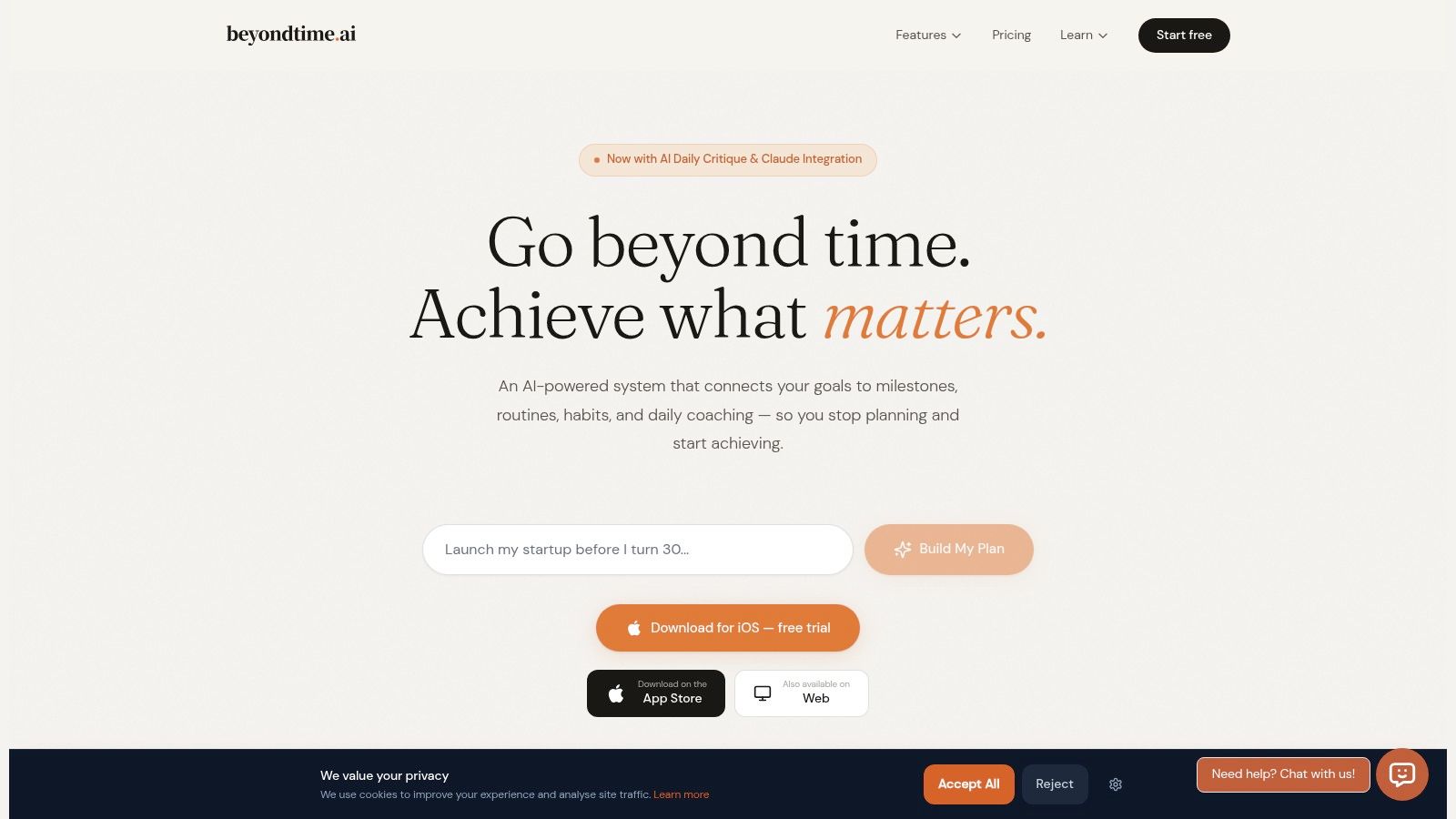
Beyond Time is the tool on this list built for that specific problem. It works best as the foundation layer in an AI productivity stack because it starts with the job-to-be-done of goal achievement, then connects that goal to milestones, routines, time use, and daily review. If you are comparing goal tracking in Beyond Time with a knowledge-first workspace, this Beyond Time vs Notion goal tracking comparison is a useful reference point.
The product uses an OKR-style structure, then adds sequenced milestones, habit and routine support, 15-minute time tracking, planned-versus-actual analysis, and an AI review loop that pushes attention back to the highest-impact work. In practice, that makes it harder to confuse activity with progress.
I have found that distinction important for founders, independent professionals, students, and creators. These are the people most likely to build busy systems that still drift.
Why it works as the foundation
The strongest stacks need a control layer. Beyond Time fills that role by organizing work around outcomes first, not disconnected tasks.
That design choice solves a real weakness in many AI tools. They help users draft faster, summarize faster, and process more inputs, but they often leave the judgment layer to the user. Analysts at Nielsen Norman Group found that AI can improve speed while still introducing enough errors and rework to reduce the net benefit in real knowledge work, as explained in NN/g’s analysis of AI productivity gains and rework. A system that compares plan versus reality every day is better positioned to catch drift before it turns into a lost week.
Beyond Time also improves with use. Personal AI memory and pattern recognition shape the recommendations around your goals, routines, and actual behavior instead of treating every day as a blank slate.
Practical rule: If a tool cannot connect your long-term goal, today’s calendar, and tonight’s review, it is a utility, not a productivity system.
The pricing model is sensible for individual users. The iOS app has the deepest feature set, with a two-week free trial and Pro pricing at $4.99 per month or $29.99 per year. There is also a free web app for goal and milestone management, plus free integrations that surface goals inside Claude, ChatGPT, Cursor, Windsurf, and other MCP-compatible tools.
Best fit and trade-offs
Beyond Time is best for people who want one central system coordinating the rest of the stack.
- Best use case: Personal execution systems for founders, ambitious professionals, students, and self-improvers
- Big strength: Goals, milestones, habits, routines, tracking, and coaching work as one loop instead of separate features
- Main limitation: The best experience is still on iOS. The web app and integrations are useful, but they do not yet match the app’s accountability depth
- Who should skip it: Teams that need enterprise-grade project management first may be better served by a work OS such as ClickUp or Notion, with Beyond Time acting as the personal command layer
Founder-led software often comes with sharper product opinions. Here, that is an advantage. Beyond Time is clear about what productivity should mean: measurable progress tied to goals you can finish.
2. Notion
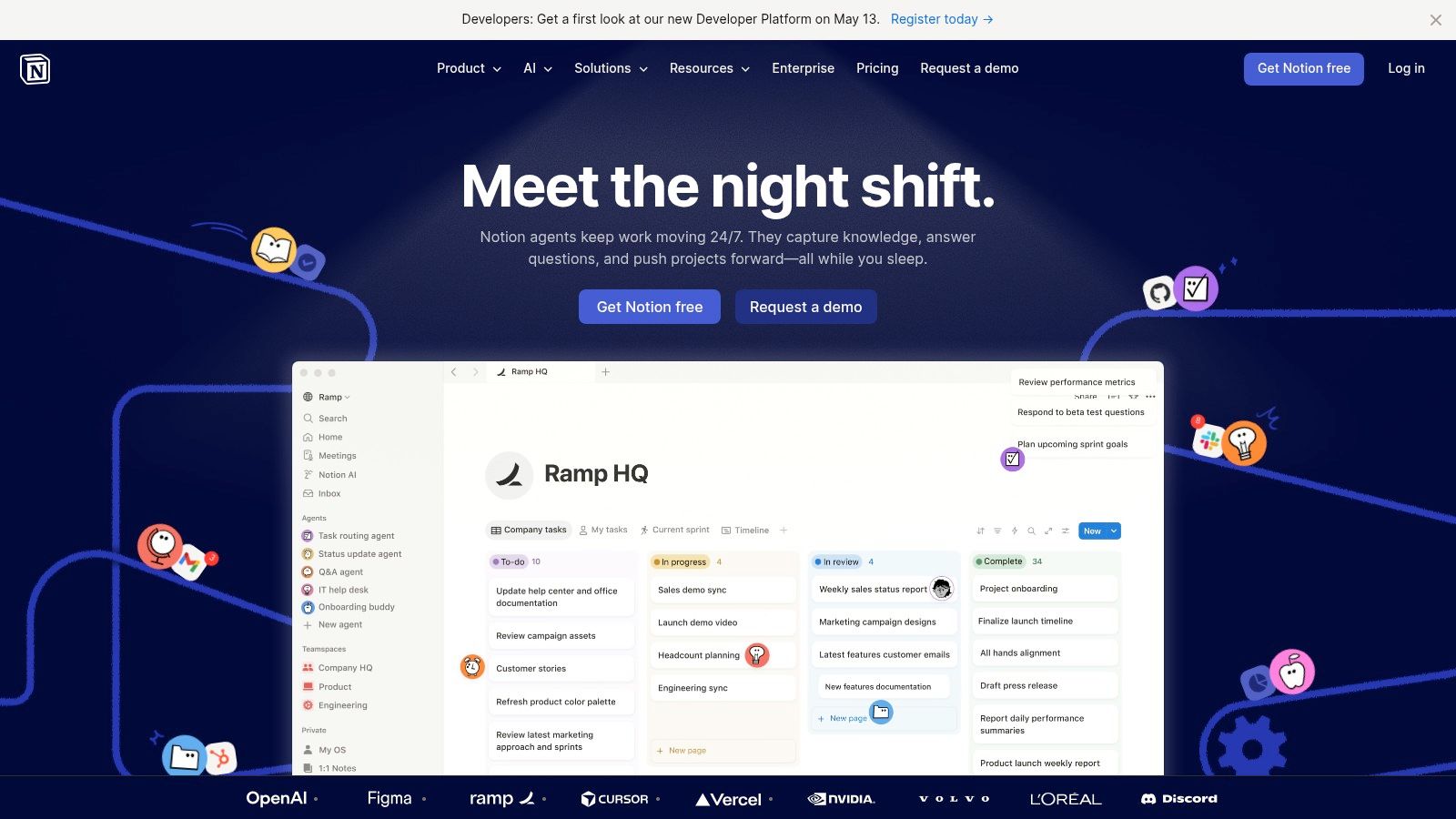
Notion is where many teams build their operating system by default. Docs, databases, wikis, project pages, meeting notes, and lightweight workflows all sit in one environment. Add Notion AI and Agents, and it becomes one of the more capable AI productivity tools for turning scattered information into structured work.
What Notion does well is compress context. You can draft, summarize, rewrite, autofill database fields, capture meeting notes, and search across connected tools without leaving the workspace. That’s useful when your real friction isn’t creating content, but finding and standardizing it.
Best for structured knowledge and operating systems
Notion works best when your team already lives in docs and databases. It’s less impressive if you’re trying to force heavy execution management into a knowledge-first tool.
The newer agent layer is promising because it can handle multi-step work across connected systems, but there’s a practical caution here. Credit-metered features can create variable cost, and teams often underestimate the maintenance needed to keep a Notion workspace clean once databases multiply.
A simple way to use it well is this:
- Use Notion for knowledge: SOPs, research, team docs, decision logs, and repeatable templates.
- Use AI inside workflows: Summaries, draft generation, and structured updates.
- Avoid turning it into everything: When Notion becomes your CRM, PM tool, wiki, brainstorm board, and analytics layer at once, the system often gets fragile.
If your main challenge is goals rather than documentation, Beyond Time vs Notion for goal tracking is the better comparison to make. Notion can store goals. Beyond Time is built to drive them forward.
For teams that want one place to think and document, Notion remains a strong pick. For daily prioritization, it often needs a companion tool.
3. ClickUp
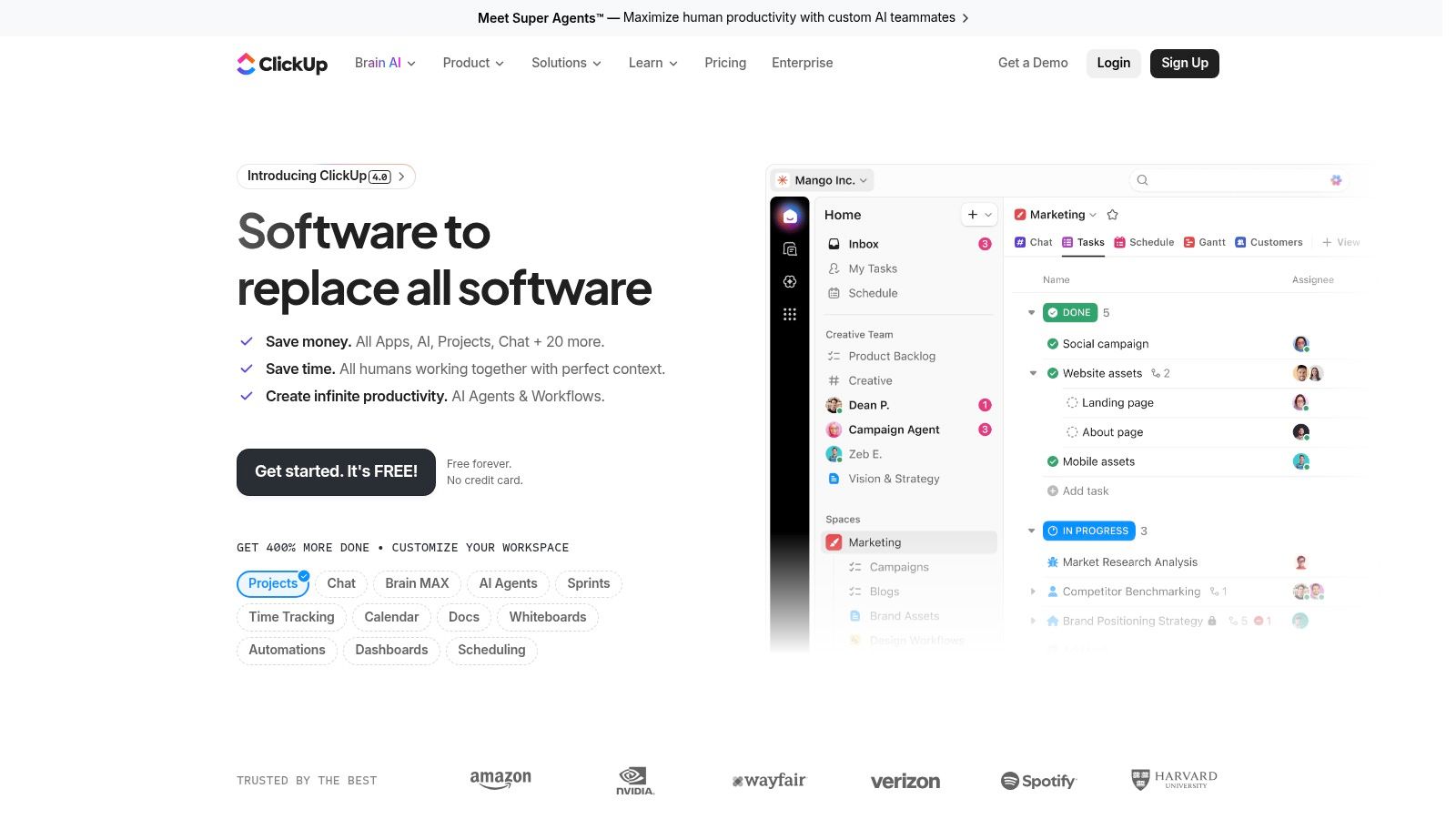
ClickUp aims for breadth. Tasks, docs, dashboards, chat, goals, whiteboards, and meetings all sit under one roof, with ClickUp Brain layered across the app for summarization, drafting, search, scheduling support, and more. If Notion is a knowledge system that expanded into operations, ClickUp is an operations system expanding into everything else.
That sounds messy on paper. In the right team, it works.
Best for operational execution across teams
ClickUp is strongest for cross-functional work where tasks, ownership, and deadlines need to stay visible. Product, marketing, operations, and startup teams usually get the most from it because they need one platform to coordinate execution rather than just document decisions.
Its AI layer is broad. You can use Brain almost anywhere, generate text, summarize work, pull insights from workspace context, and extend into Autopilot agents and meeting support. The upside is convenience. The downside is complexity.
ClickUp rewards teams that define rules early. Without naming conventions, status discipline, and a clear ownership model, the workspace becomes noise.
That’s the core trade-off. ClickUp often wins feature comparisons and loses simplicity comparisons. Some powerful add-ons are priced separately, and rollouts need governance if you want reliable adoption.
This is also where many buyers should be honest with themselves. If your team isn’t ready to maintain process hygiene, more capability won’t help. Beyond Time vs ClickUp on complexity versus simplicity is a useful frame if you’re deciding between a work management platform and a personal execution system.
Choose ClickUp when the main job is coordinating moving parts across a team. Don’t choose it because you hope a bigger tool will create discipline for you.
4. Motion
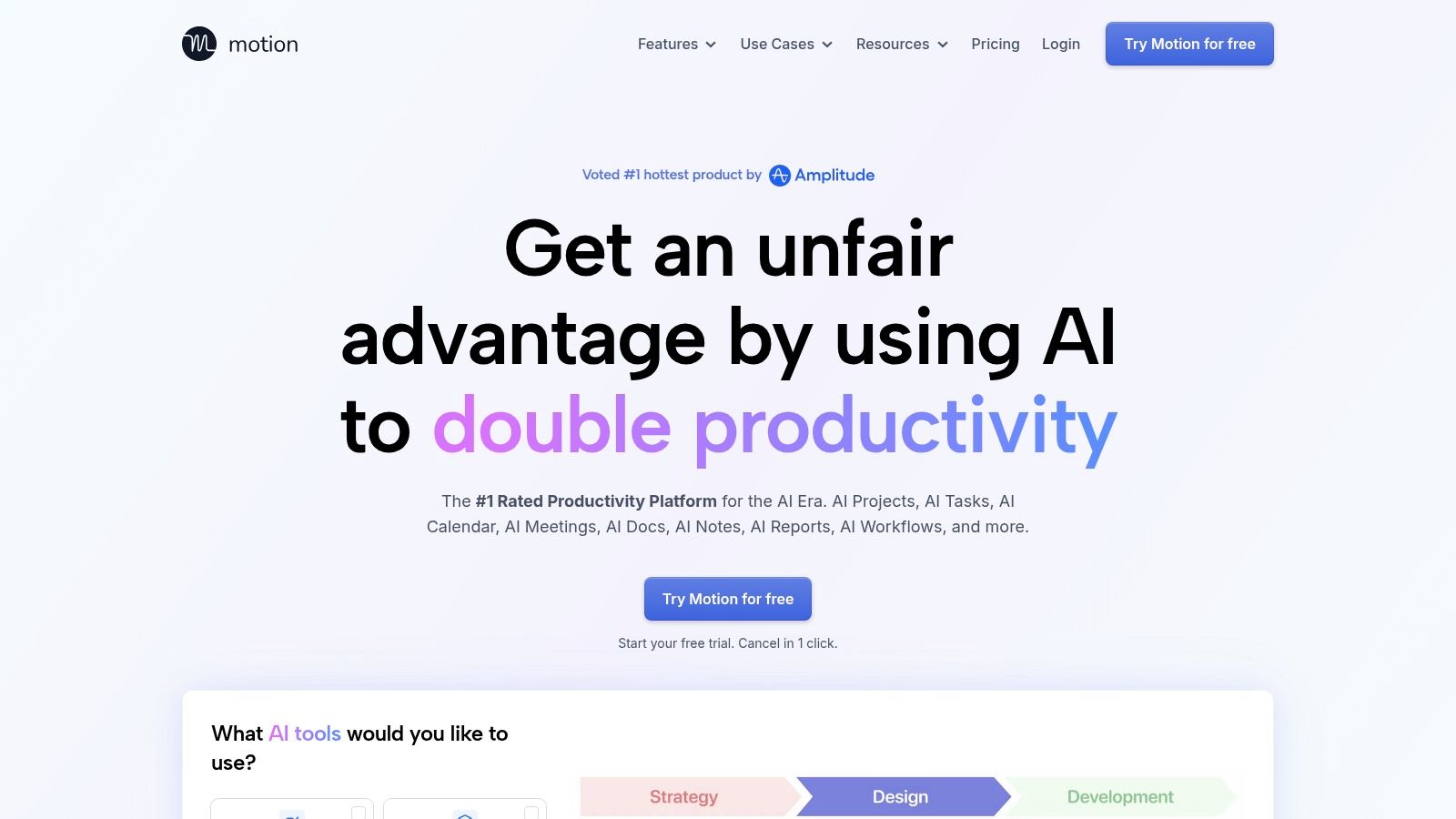
Motion is one of the better answers to a specific problem: you know what matters, but your calendar never reflects it. Instead of asking you to manually time-block every day, it auto-builds a schedule based on deadlines, available time, effort, and changing constraints.
For people who consistently overplan, Motion can be a relief. It reduces the constant reshuffling that eats into focus.
Best for automated daily planning
Motion shines when your workload changes often. Founders, operators, consultants, and managers with volatile calendars tend to get the most value because the tool keeps recalculating instead of asking for manual upkeep.
Its appeal is simple:
- AI scheduling: Tasks and projects get slotted into available time.
- Rescheduling logic: When meetings move, the plan adjusts.
- Consolidation: Calendar, task planning, meetings, and lightweight project management live together.
The limitation is just as clear. Motion is great at scheduling work. It’s less effective at deciding whether the work itself deserves that time. If your priorities are weak, Motion can optimize the wrong week very efficiently.
That’s why I rarely recommend it as a standalone answer. It performs best when paired with a goal layer that decides what counts before the scheduler fills the hours.
There’s no perpetual free plan, and advanced reporting or deeper time analysis sits higher in the pricing ladder. For users who want the machine to do the calendar wrangling, that may still be a worthwhile trade.
5. Reclaim.ai
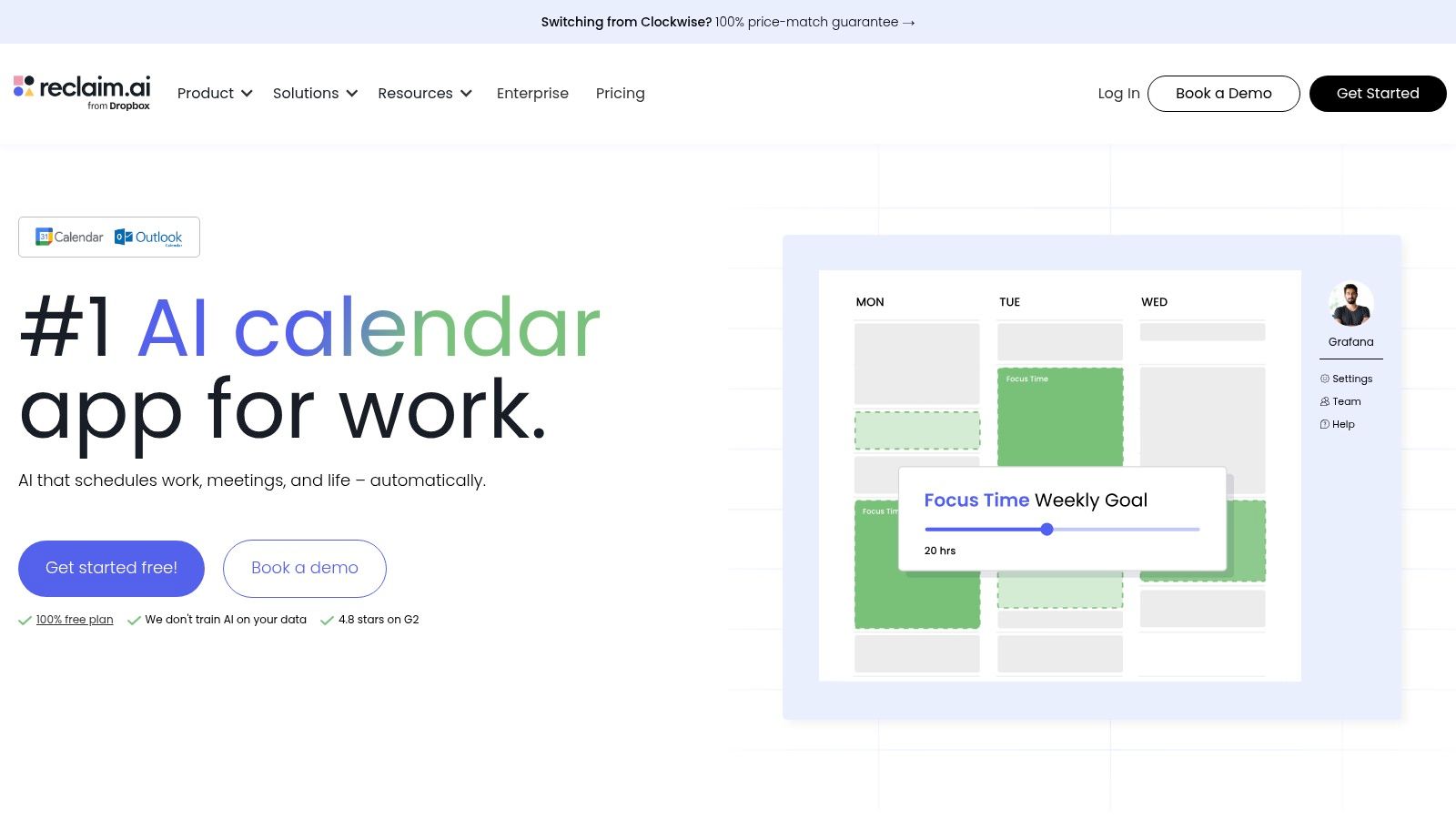
Reclaim.ai is narrower than Motion, and that focus is exactly why many people prefer it. It’s built to protect time inside Google Calendar, not replace your entire work management setup.
If your calendar gets destroyed by meetings, Reclaim is one of the most practical ai productivity tools you can add without changing your whole workflow.
Best for defending focus time
Reclaim’s best feature isn’t novelty. It’s restraint. It automatically protects focus blocks, schedules habits, handles smart meetings, and adds buffers without turning your calendar into a rigid machine.
That’s useful for two groups in particular. First, individuals who need deep work to survive. Second, teams inside Google Workspace that want saner scheduling without a full platform migration.
A strong use pattern looks like this:
- Protect recurring focus blocks: Let Reclaim defend them instead of relying on willpower.
- Schedule habits around real constraints: Admin, planning, workouts, and reading all count if they support output.
- Use it as a shield, not a strategy: Reclaim protects time. It doesn’t choose your goals.
For that reason, it’s a better complement than a foundation. If you’re comparing calendar automation with a more complete time-mastery approach, Beyond Time vs Reclaim AI on scheduling versus time mastery gets at the actual difference.
Outlook support is limited compared with its Google-centric experience, so Microsoft-first teams should look elsewhere.
6. Superhuman
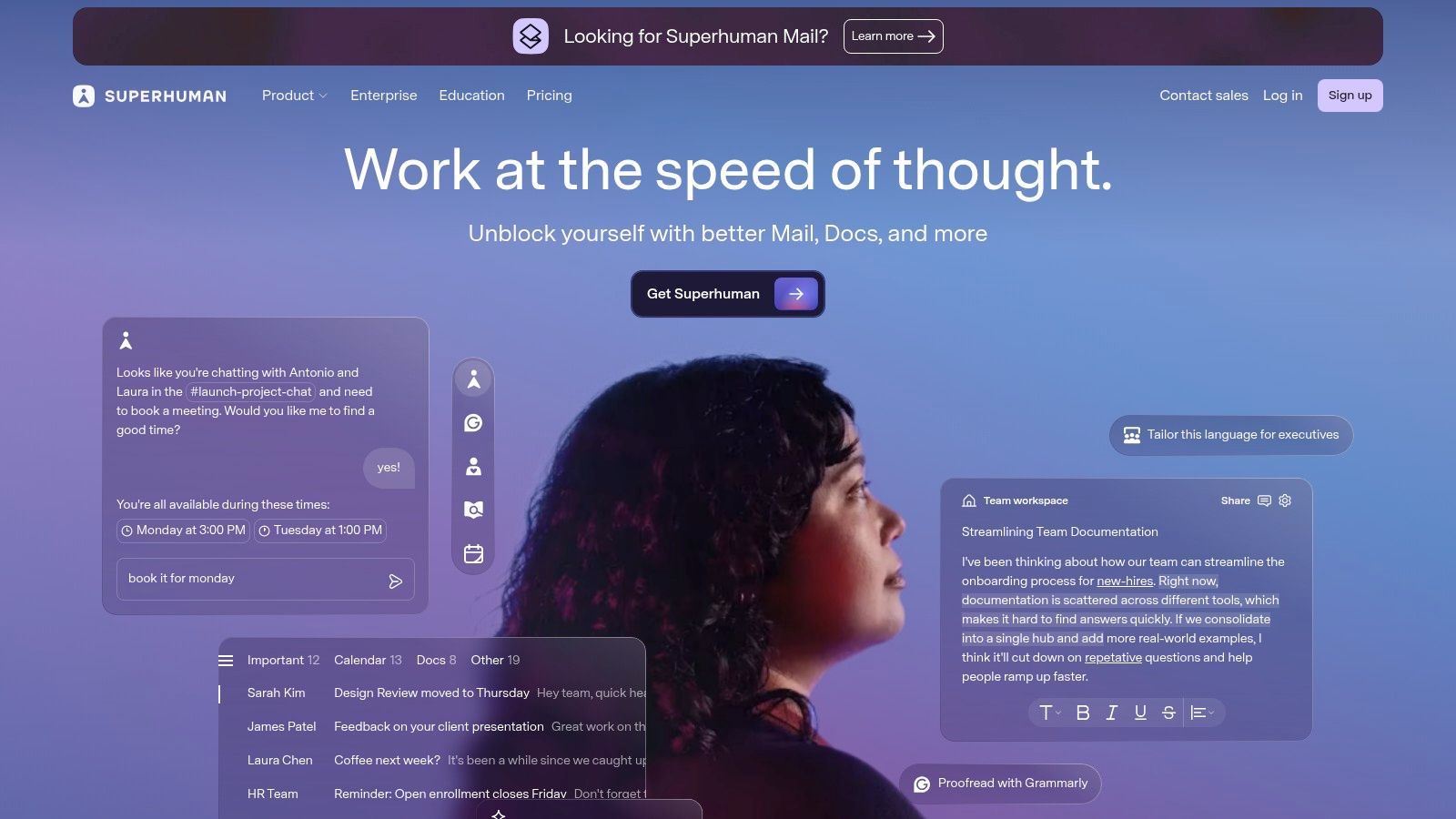
Superhuman is for people who live in email and resent every minute of it. It combines a speed-first interface with AI summarization, reply drafting, labeling, and thread triage on top of Gmail or Outlook.
That sounds incremental until you use it at volume. Then the speed difference becomes obvious.
Best for high-volume email workflows
The keyboard-driven UX is still Superhuman’s edge. The AI helps, but the interface discipline is what changes behavior. You move faster because the tool expects fast decisions.
It works best in these situations:
- Long thread compression: AI summaries reduce the need to reread.
- Repetitive response handling: Drafts and labels cut admin.
- Sales and relationship work: Integrations with systems like Salesforce and HubSpot make it more useful for revenue-facing roles.
The trade-off is easy to state. Superhuman is premium software solving a premium pain point. If email is only a small part of your work, it’s overkill. If email dominates your day, it can be one of the cleanest upgrades in your stack.
The wrong way to use Superhuman is to process more email. The right way is to clear low-value communication faster so you can return to higher-value work.
Deployment can also depend on company policy because it runs atop existing mail providers. In heavily controlled environments, that matters.
7. Grammarly
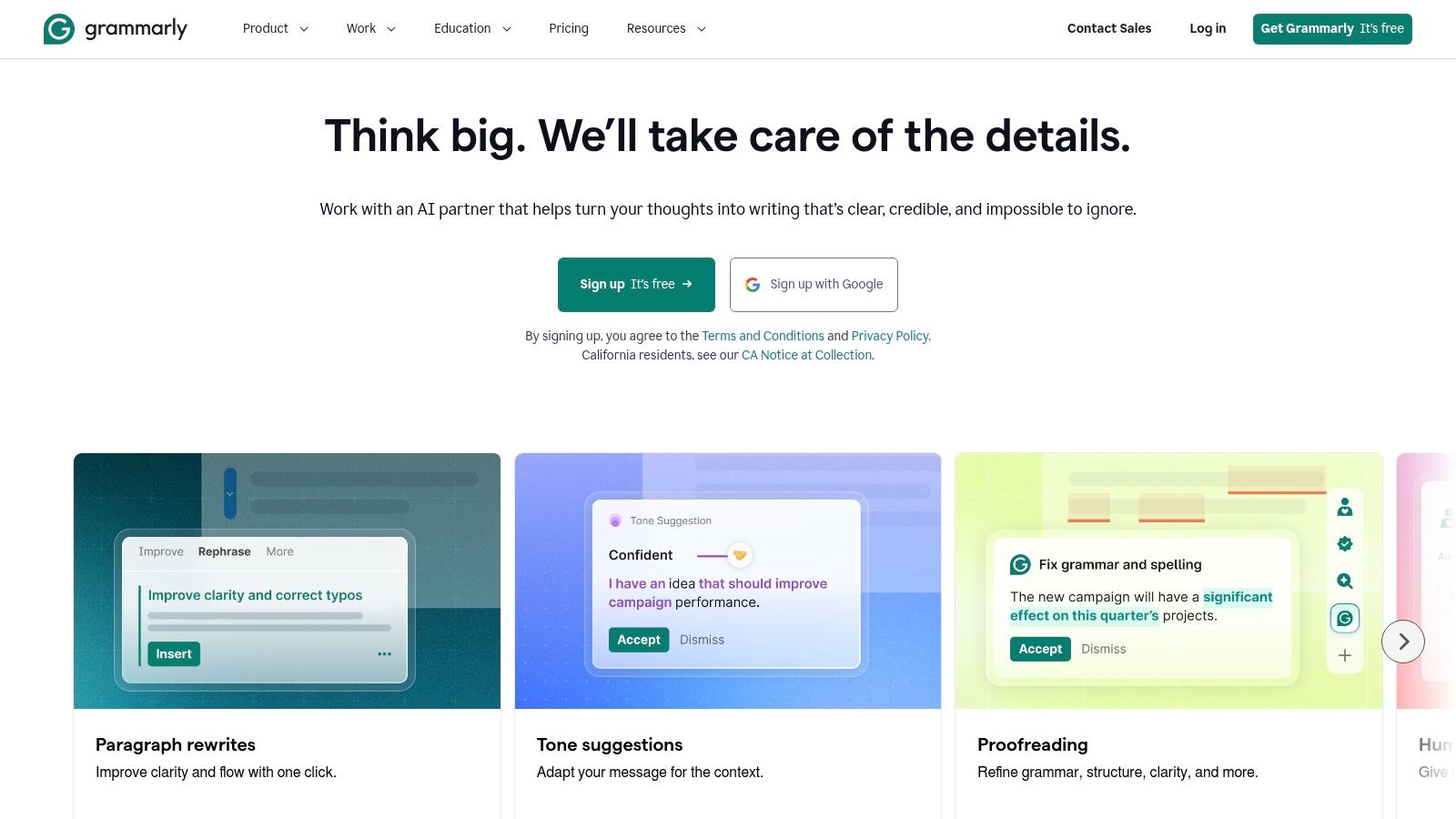
Grammarly isn’t flashy anymore, and that’s part of its strength. It sits across email, docs, browser workflows, and desktop apps correcting grammar, adjusting tone, rewriting clunky phrasing, and helping teams keep communication consistent.
For most professionals, that’s more useful than a dedicated writing app they rarely open.
Best for everyday writing quality
Grammarly is strongest when writing is frequent but not ceremonial. Emails, briefs, proposals, docs, internal updates, and customer communication all benefit from fast clarity improvements.
Its current toolkit covers more than proofreading. There’s generative AI for drafting and rewriting, AI chat, plagiarism checks, AI-generated text detection, and team-level controls such as brand tones and style guides.
What works in practice:
- Use it for polish, not authorship: It’s very good at improving what you wrote.
- Standardize team voice: Brand tone and style guidance help distributed teams sound less chaotic.
- Keep human judgment in the loop: Grammarly can smooth language that should stay sharp, especially in persuasive or opinionated writing.
Large organizations may care more about the governance side, including enterprise controls. Individuals usually care that it works almost everywhere with minimal friction. That ubiquity is why Grammarly remains sticky.
Its strongest results are still in English, and some advanced capabilities sit on higher-tier plans. Even so, it’s one of the easiest tools on this list to adopt because the learning curve is nearly zero.
8. Otter.ai
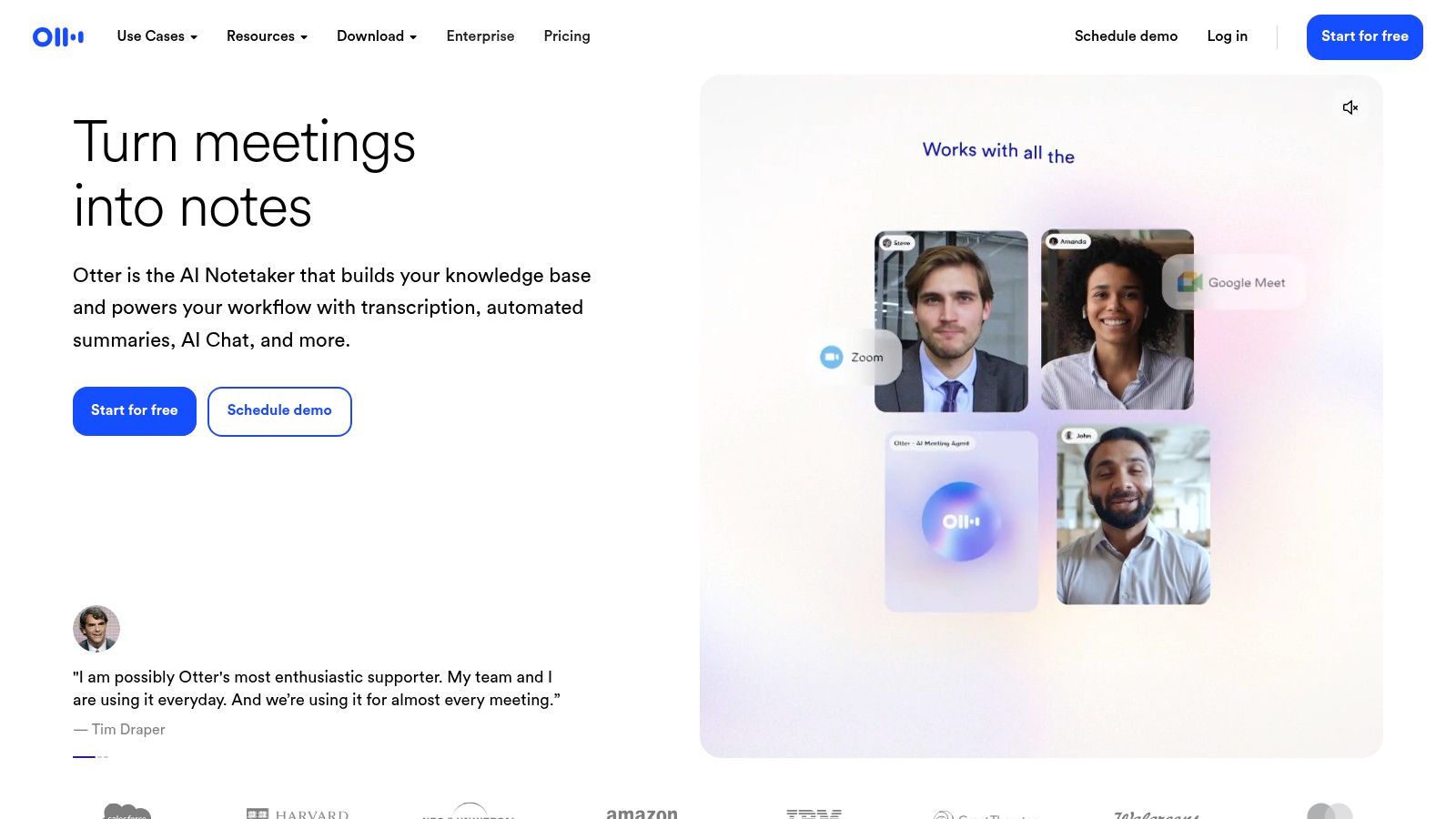
Otter.ai solves a painful but common problem. You had the meeting. The useful details vanished. Now action items are trapped in memory, scattered notes, or a recording nobody will rewatch.
Otter gives you a searchable meeting memory across Zoom, Google Meet, and Teams, with transcripts, summaries, highlights, and AI chat across past conversations.
Best for searchable meeting memory
This tool is at its best when your organization runs on conversation. Sales teams, client service teams, managers, and cross-functional operators all benefit when the meeting record becomes easy to search and reuse.
The practical value shows up in three places:
- Reliable capture: You stop depending on one participant’s notes.
- Searchable recall: Decisions and phrasing are easier to find later.
- Action extraction: Summaries and next steps reduce post-meeting admin.
There are limits. Lower tiers can feel restrictive because minutes and imports are capped. Non-English coverage is also narrower than some alternatives, which matters for global teams.
Still, Otter remains one of the more practical AI meeting assistants because it keeps the core job simple. Record, transcribe, summarize, retrieve. That focus matters in a category where many tools try to do too much and end up cluttering the workflow.
9. Microsoft Copilot for Microsoft 365
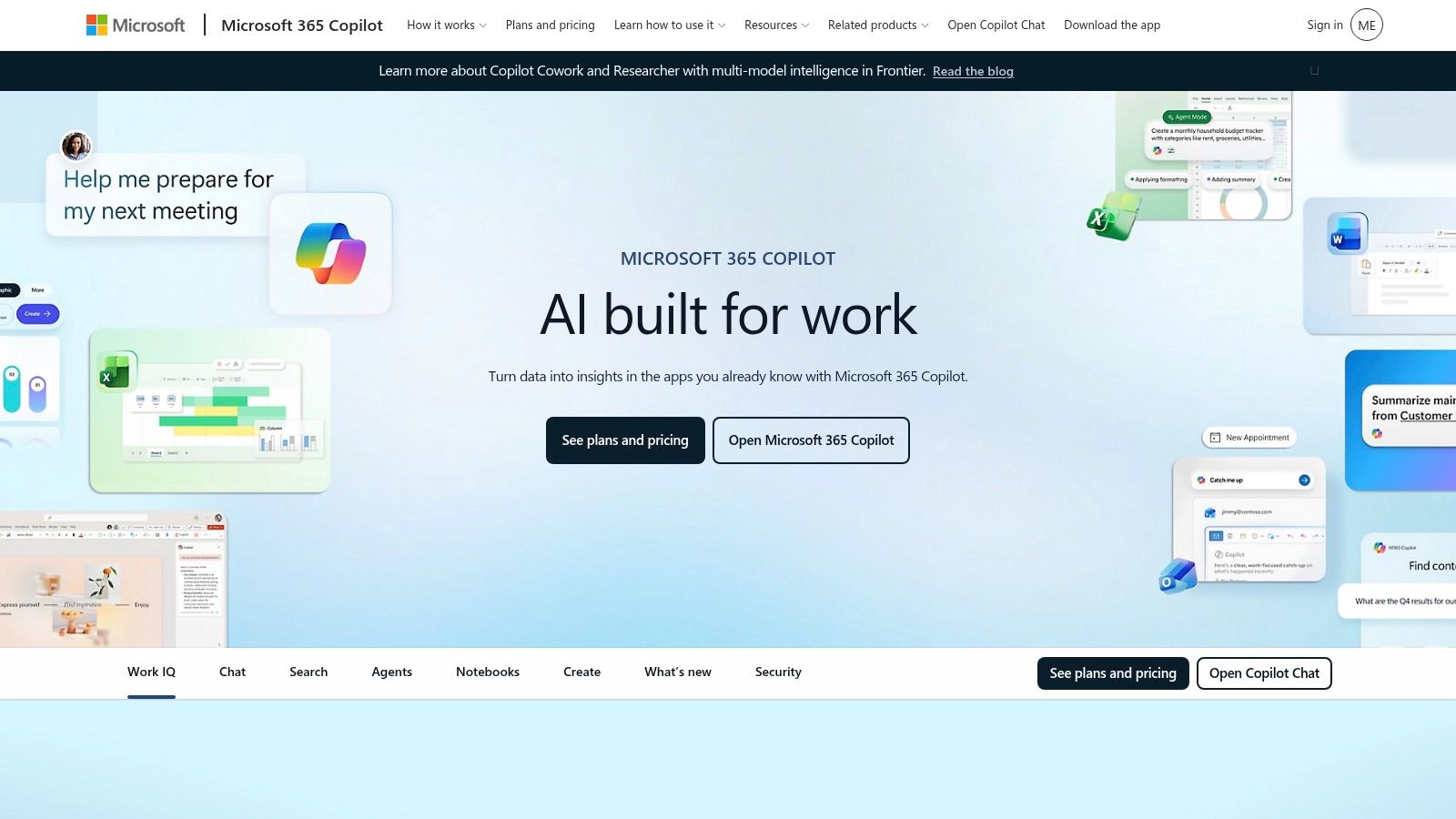
If your company already runs on Word, Excel, Outlook, Teams, PowerPoint, and OneNote, Microsoft Copilot for Microsoft 365 has an obvious advantage. It meets users where they already work instead of asking them to adopt a parallel toolset.
That native placement is why enterprise adoption has moved so quickly. Microsoft’s 2025 Work Trend Index reported that 75% of workers use AI tools daily or regularly, based on a survey of 31,000 workers across 31 markets, and Microsoft reported over 400 million paid Copilot users by early 2026 according to SpeakWise’s roundup of AI productivity tool statistics citing Microsoft adoption data.
Best for Microsoft-first organizations
Copilot is most compelling when the surrounding environment is already standardized. The value comes from being embedded inside existing workflows, not from being the most creative standalone assistant.
Its strengths are straightforward:
- Drafting and summarizing in core apps: Outlook, Word, Teams, and PowerPoint are natural homes for AI assistance.
- Data and analysis support: Excel and related workflows benefit when users know how to ask good questions.
- Enterprise controls: Security, compliance, identity, and governance are major reasons large organizations buy into the stack.
The caution is also familiar. Feature availability depends on licensing and entitlements, and real productivity gains still depend on workflow redesign, not tool rollout alone. In many companies, Copilot is easy to purchase and harder to operationalize.
For Microsoft-centric organizations, though, it belongs on the shortlist immediately. The integration story is too strong to ignore.
10. Zapier
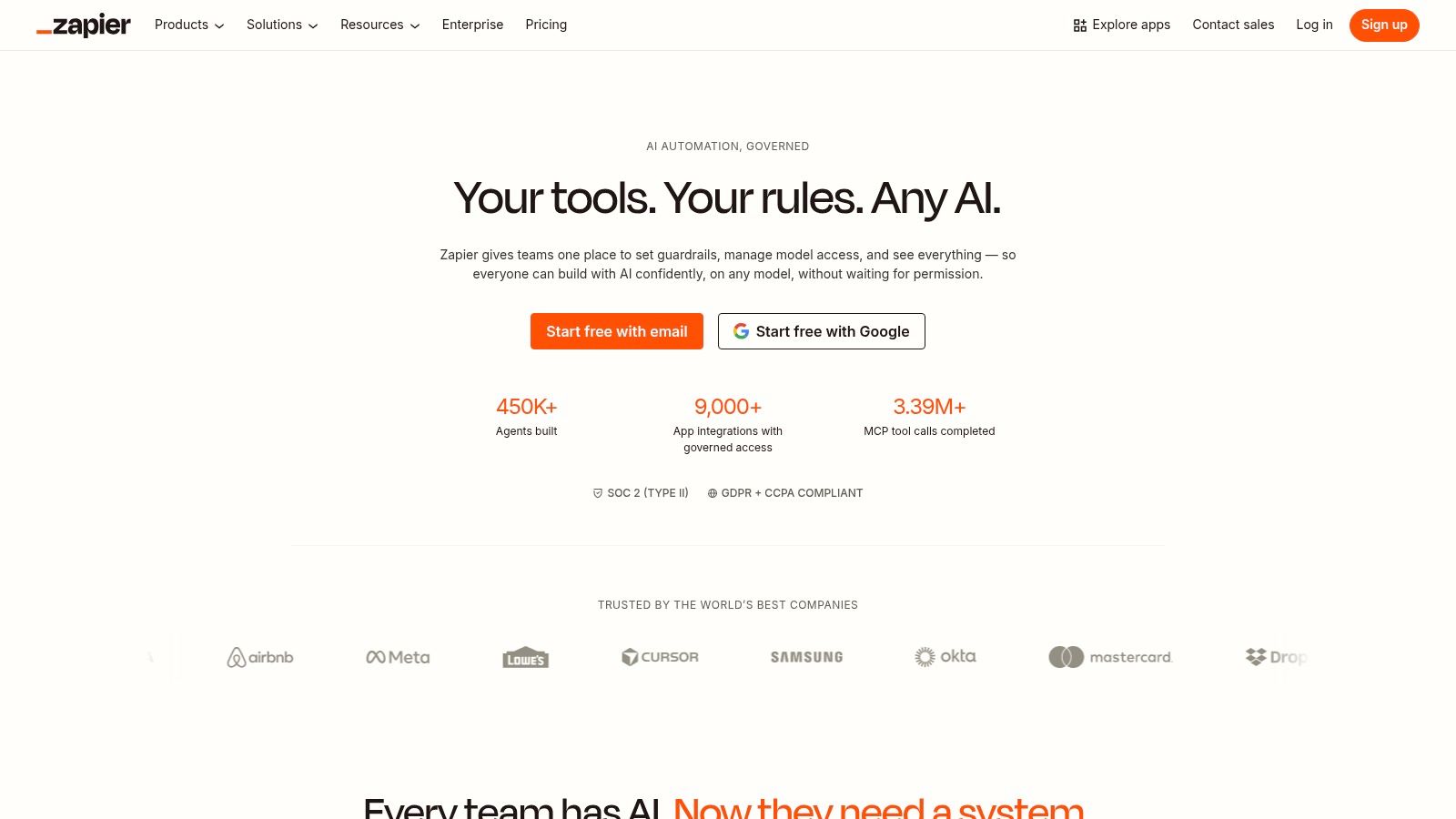
Zapier is the glue. It doesn’t replace your other tools. It connects them, routes data between them, and increasingly uses AI to help non-developers build the automations themselves.
That’s why it earns a spot in almost any serious productivity stack. Without orchestration, even strong tools stay isolated.
Best for stitching the stack together
Zapier is ideal when your work spans many apps and follows recognizable triggers. New form entry. New lead. New meeting summary. New task created. New content approved. Those are the moments where automation removes manual handoffs.
Its AI layer makes the platform more approachable. Zapier Copilot can help build or edit automations using natural language, while AI steps can summarize, classify, transform, and route information inside larger workflows.
The market trend holds significance. Large enterprises hold 60.2% of the AI productivity tools market, and cloud-based deployment accounts for 70.5% of infrastructure choices according to Market.us research on AI productivity tools adoption and deployment. Zapier fits that cloud-first reality well because it helps organizations connect distributed systems without heavy custom development.
A good way to think about Zapier is as your automation backbone:
- Use it to connect the stack: Meeting notes to tasks, forms to CRM, goals to reporting, emails to follow-up systems.
- Keep workflows structured: Zapier works best with defined triggers and clean data.
- Don’t force RPA-style work into it: It’s stronger at app integrations than brittle screen-based automation.
For solo operators, it can remove repetitive admin. For teams, it can keep the whole system moving.
Top 10 AI Productivity Tools: Feature Comparison
| Product | Core features ✨ | UX & Quality ★ | Value & Pricing 💰 | Best for 👥 | Unique edge 🏆 |
|---|---|---|---|---|---|
| Beyond Time by Tribble Software Private Limited 🏆 | AI OKR → sequenced milestones, habits/routines, 15‑min time tracking, daily AI critique, personal memory | ★★★★★ | 💰 Free web; iOS Pro 2‑wk trial → $4.99/mo or $29.99/yr | 👥 Founders, professionals, students, creators | 🏆 Connected loop: goals → milestones → routines → precise time tracking + adaptive AI coaching |
| Notion (with Notion AI & Agents) | All‑in‑one docs/databases + Notion AI, meeting notes, Custom Agents | ★★★★☆ | 💰 Freemium; AI features & Agents vary by plan (credit‑metered) | 👥 Teams managing docs, projects & knowledge | ✨ Deep doc/database AI integration and Custom Agents |
| ClickUp (with ClickUp Brain) | Tasks, docs, meetings + "@Brain" drafts, Autopilot agents, AI Notetaker | ★★★★ | 💰 Freemium; AI add‑ons/credits and paid tiers | 👥 Cross‑functional product & startup teams | ✨ Broad AI across tasks/docs/meetings; Autopilot prioritization |
| Motion | Auto‑scheduling, AI time‑blocking, project auto‑reschedule, notetaker | ★★★★ | 💰 No perpetual free plan; per‑seat plans with monthly AI credits | 👥 Individuals needing automated daily planning | ✨ Auto‑schedule + dynamic rescheduling around meetings |
| Reclaim.ai | Google Calendar automation: focus time, habits, smart meetings, analytics | ★★★★ | 💰 Freemium; paid tiers for teams, Attendee Users may cost | 👥 Google Workspace users & teams wanting deep focus blocks | ✨ Defends deep work with smart buffers and team analytics |
| Superhuman (with Superhuman AI) | AI triage, auto‑drafts, summaries, keyboard‑driven UX, integrations | ★★★★★ | 💰 Premium per‑seat pricing (no free) | 👥 Power email users & fast communicators | ✨ Best‑in‑class speed + AI for rapid inbox management |
| Grammarly (with generative AI) | Grammar/tone, generative drafting, plagiarism & AI detection, brand guides | ★★★★ | 💰 Freemium; Premium/Business for advanced features | 👥 Writers, communicators, brand teams | ✨ Ubiquitous writing assistance + enterprise style control |
| Otter.ai | Live transcription, speaker ID, summaries, action items, meeting search | ★★★★ | 💰 Free tier with minute limits; paid for larger quotas | 👥 Teams needing reliable meeting capture | ✨ Robust searchable transcripts and meeting AI chat |
| Microsoft Copilot for M365 | Copilot across Word/Excel/Teams/Outlook, Copilot Chat, Copilot Studio | ★★★★☆ | 💰 Requires eligible M365 licenses; add‑ons may apply | 👥 Organizations invested in Microsoft 365 | ✨ Native enterprise‑grade AI across core productivity apps |
| Zapier (with AI orchestration) | No‑code automations, Zapier Copilot, AI steps, webhooks & integrations | ★★★★ | 💰 Free limited; costs scale with usage and premium apps | 👥 Teams stitching many apps & automations | ✨ Massive app ecosystem + AI to build automations without code |
From Tools to Transformation Your Next Move
Monday starts with good intentions. By Wednesday, the calendar is full, notes are scattered across three apps, and the AI tools that were supposed to save time are adding one more layer to manage. I see this pattern often. The problem usually is not tool quality. It is stack design.
The teams and operators who get real value from AI productivity tools match each tool to a specific job-to-be-done, then connect those jobs into one operating system for work. That is the difference between a collection of subscriptions and a stack you can trust.
Start with the constraint that creates the most drag. If priorities keep shifting, fix goal setting and daily execution first. If meetings consume the week, fix scheduling and focus protection. If work disappears into documents, chat, and email, improve the writing or knowledge layer first. One well-chosen tool tied to a clear job will outperform several tools adopted because they looked impressive in a demo.
Market demand has raced ahead of implementation quality. As noted earlier, broad adoption has not produced consistent gains for every organization. In practice, results come from fit. The right tool should match how people already work, reduce manual handoffs, and make follow-through easier.
A practical stack for many knowledge workers looks like this:
- Foundation for direction and execution: Beyond Time
- Knowledge and documentation: Notion
- Scheduling and focus protection: Motion or Reclaim.ai
- Writing and communication: Grammarly or Superhuman
- Meetings and recall: Otter.ai
- Workflow automation: Zapier
Smaller stacks usually hold up better. They are easier to maintain, easier to train on, and less likely to create duplicate work.
For a founder, operator, or ambitious individual starting from scratch, I would build from the center out. Begin with the system that defines goals, milestones, routines, and daily priorities. Then add tools around it by job. Notion becomes the knowledge base. Motion or Reclaim protects time for the plan. Grammarly and Superhuman speed outbound communication. Otter captures decisions made in meetings. Zapier connects the handoffs so work keeps moving without constant manual updates.
That is how AI productivity tools start improving execution instead of generating more activity.
Pick the bottleneck that costs you the most each week. Solve that first. Add the next tool only when it strengthens the stack and removes friction.
If you want your AI stack to support real progress, start with Tribble Software Private Limited. Beyond Time gives you a practical base for goal setting, milestone planning, routines, time tracking, and daily AI coaching so the rest of your tools can support work that matters.
Created with Outrank app
Keep going with Beyond Time
If you want your AI stack to actually move goals forward, start here.
- 5-Year Plan Generator — Give your AI stack a long-range goal to work toward.
- Goal-First Productivity: Starting With Goals — Why the goal layer matters more than any single AI tool.
- Best AI Productivity Apps for 2026 — A focused list of tools worth actually building into your day.
- The Complete Productivity Stack: What Beyond Time Replaces — See how one system can replace the fragmented tool pile.
Put this into practice
Free tools that match this article.
Weekly Schedule Template
Plan your week with a free printable weekly schedule template for goals, routines, and focus blocks.
Try Schedule TemplateGoal SettingGoal Setting Worksheet
Turn a vague goal into milestones, habits, blockers, and a weekly review plan.
Try Goal WorksheetTime ManagementTime Blocking Template
Map your day into focused time blocks with a free printable time blocking template.
Try Time BlockingTime ManagementWeekly Schedule Optimizer
Generate an optimized weekly schedule with AI-powered time blocking for maximum productivity.
Try Schedule OptimizerKeep exploring this topic
Best goal tracking apps
Compare tools for goals, habits, and progress tracking.
Best habit tracker apps
Compare habit apps by use case, depth, and daily workflow.
Goal setting guide
Start with the fundamentals of setting goals that turn into action.
Time blocking guide
Turn priorities into protected calendar blocks.
Related Articles

How to Track Multiple Goals Without Getting Overwhelmed
Learn a proven system for managing multiple goals simultaneously without losing focus or burning out. Practical frameworks for tracking 3-5 goals at once.
Accountability Partner Guide: Achieve Goals Faster
Learn how to find, structure, and get the most from an accountability partner. Research shows accountability can boost goal achievement by up to 95%.
5-Year Plan Template: Build Your Life Roadmap Step by Step
Build your life with this step-by-step 5 year plan template. Set goals across 5 key life domains and break them into year-by-year milestones you can act on.
How to Set Life Priorities: A Framework for What Matters Most
Learn how to set priorities in life with a proven values-based framework. Discover what matters most and start building goals aligned with your life today.
Life Audit: The Complete Guide to Redesign Your Life
A life audit helps you step back, evaluate every major area of your life, and redesign it with intention. Discover how to do yours in five clear steps.
How to Stay Motivated: Science-Backed Strategies That Work
Struggling with how to stay motivated on long-term goals? Discover science-backed systems and practical strategies to build lasting motivation that sticks.