How to Connect BeyondTime MCP to Claude
Connect BeyondTime to Claude as an MCP connector so you can manage your goals, habits, routines, and milestones directly from Claude conversations. Get AI reflections, daily quotes, and personalized suggestions — all without leaving Claude.
Open the Customize Menu
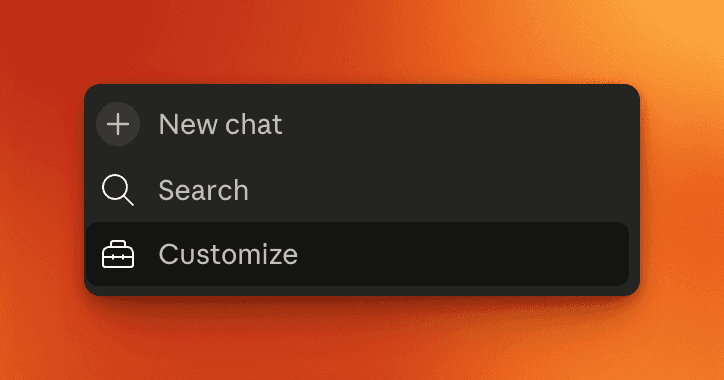
In Claude, click the menu icon in the sidebar to reveal the options panel. You'll see "New chat", "Search", and "Customize". Click "Customize" to proceed.
Select Connectors
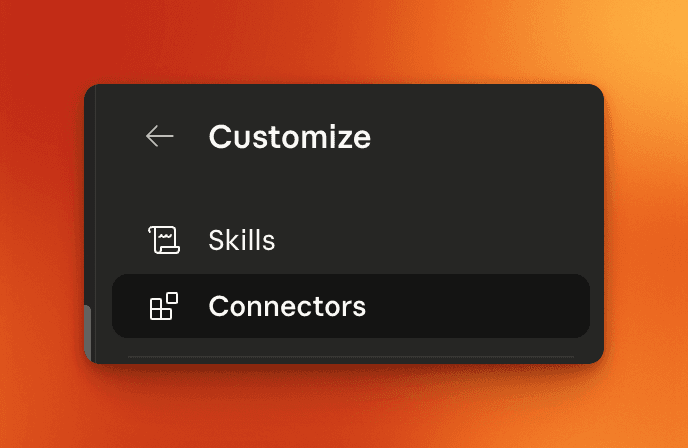
In the Customize submenu, you'll see "Skills" and "Connectors". Click "Connectors" to manage your MCP connections.
Open the Connectors Panel
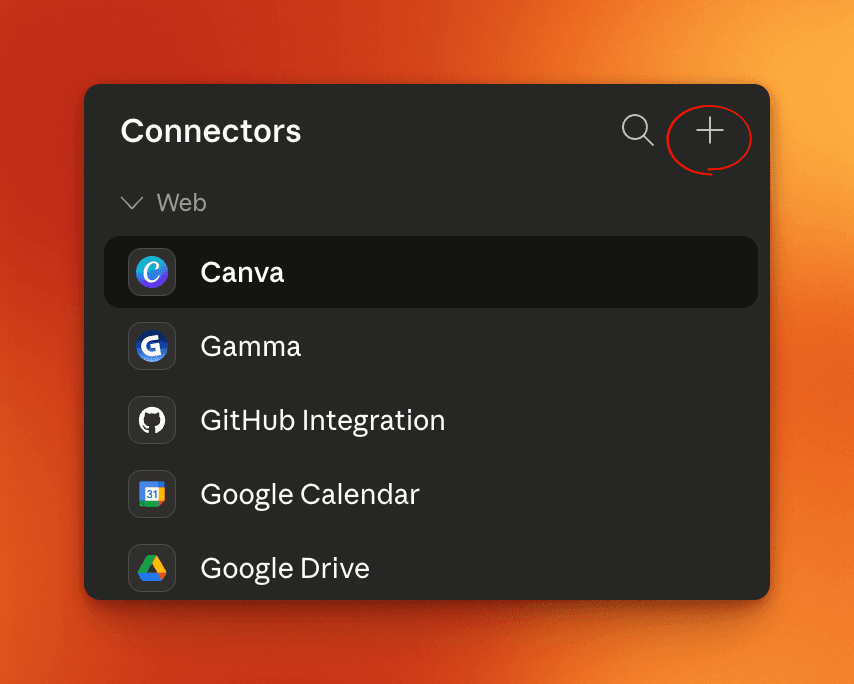
You'll see your existing connectors listed. Click the "+" button in the top-right corner to add a new connector.
Choose "Add Custom Connector"
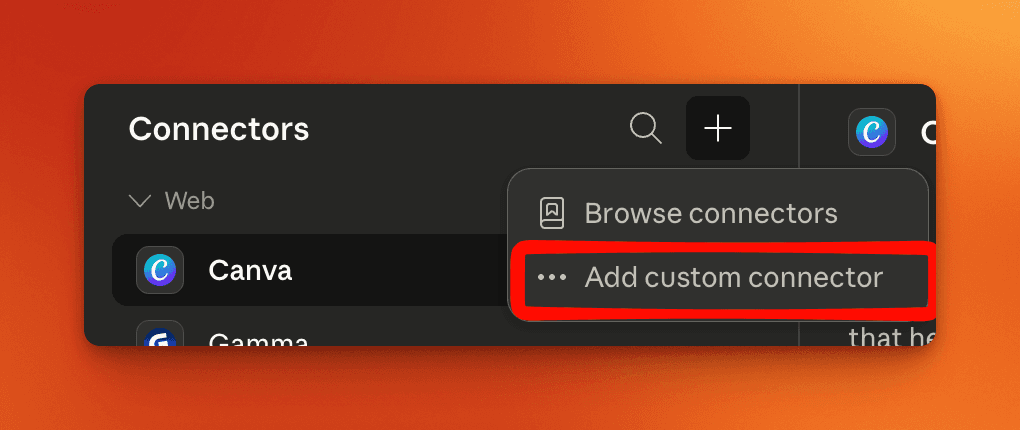
In the connectors panel, click "Add custom connector" to set up a new MCP connection.
Enter BeyondTime MCP Details
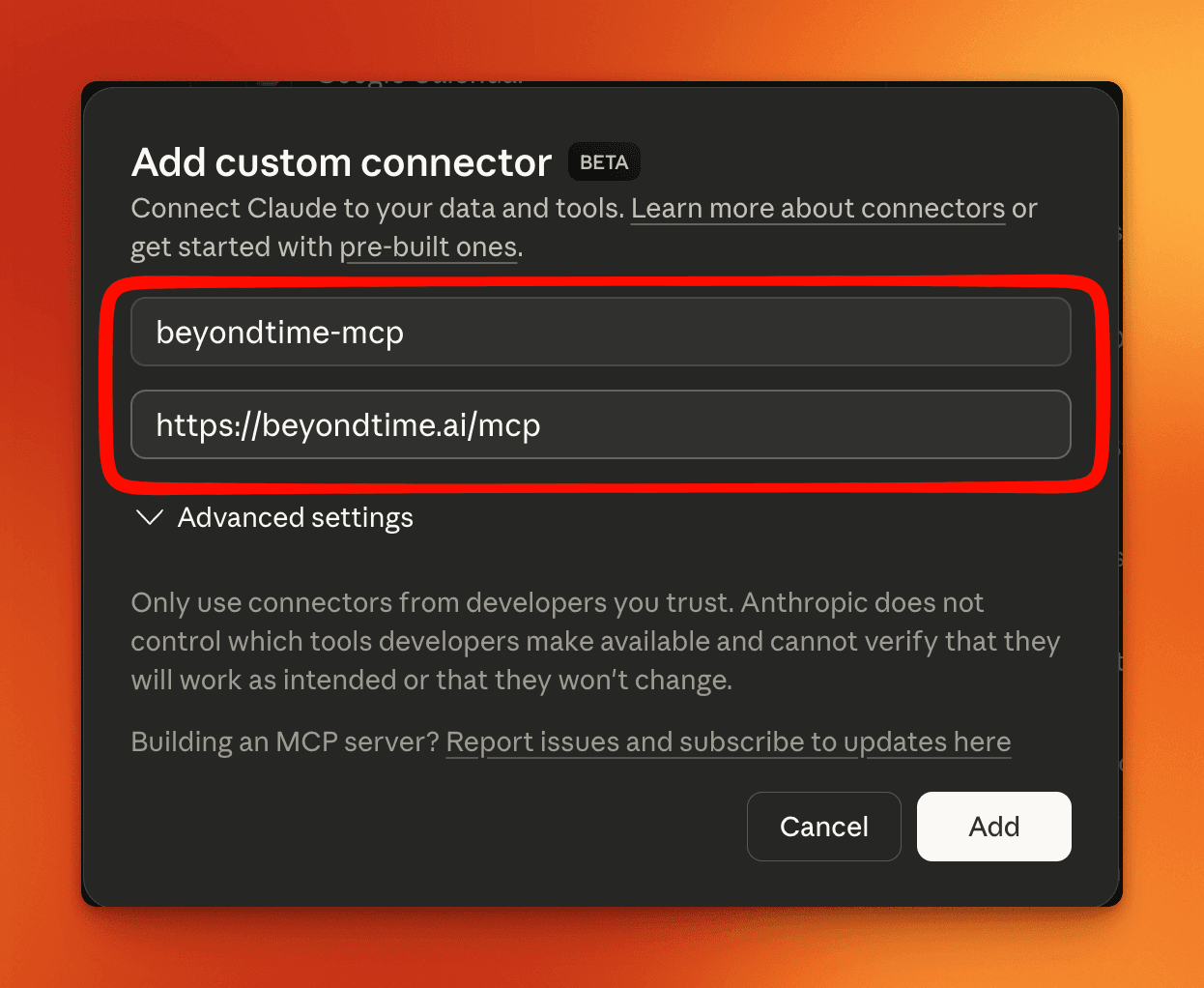
In the "Add custom connector" dialog, enter the name "beyondtime-mcp" and the URL "https://beyondtime.ai/mcp". Then click "Add".
Pro Tip
The name can be anything you like, but "beyondtime-mcp" keeps it recognizable.
Connect to BeyondTime
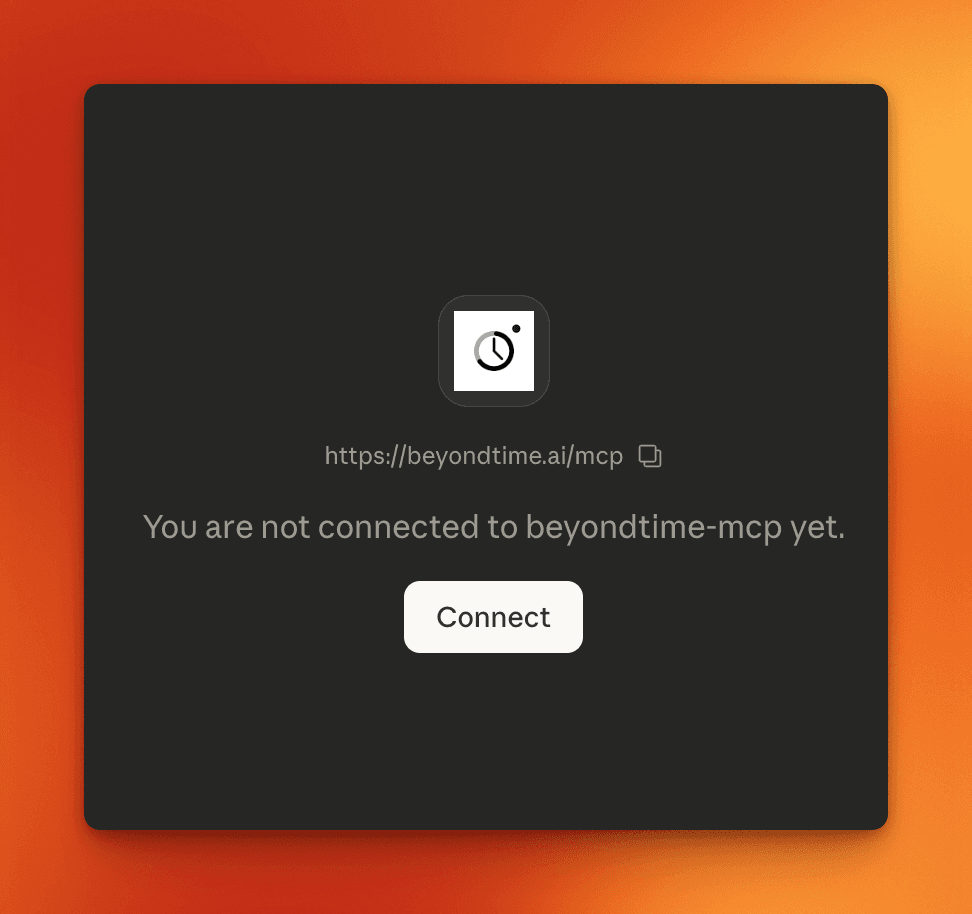
After adding the connector, you'll see a prompt saying "You are not connected to beyondtime-mcp yet." Click the "Connect" button to start the authentication flow.
Sign In with Your Account
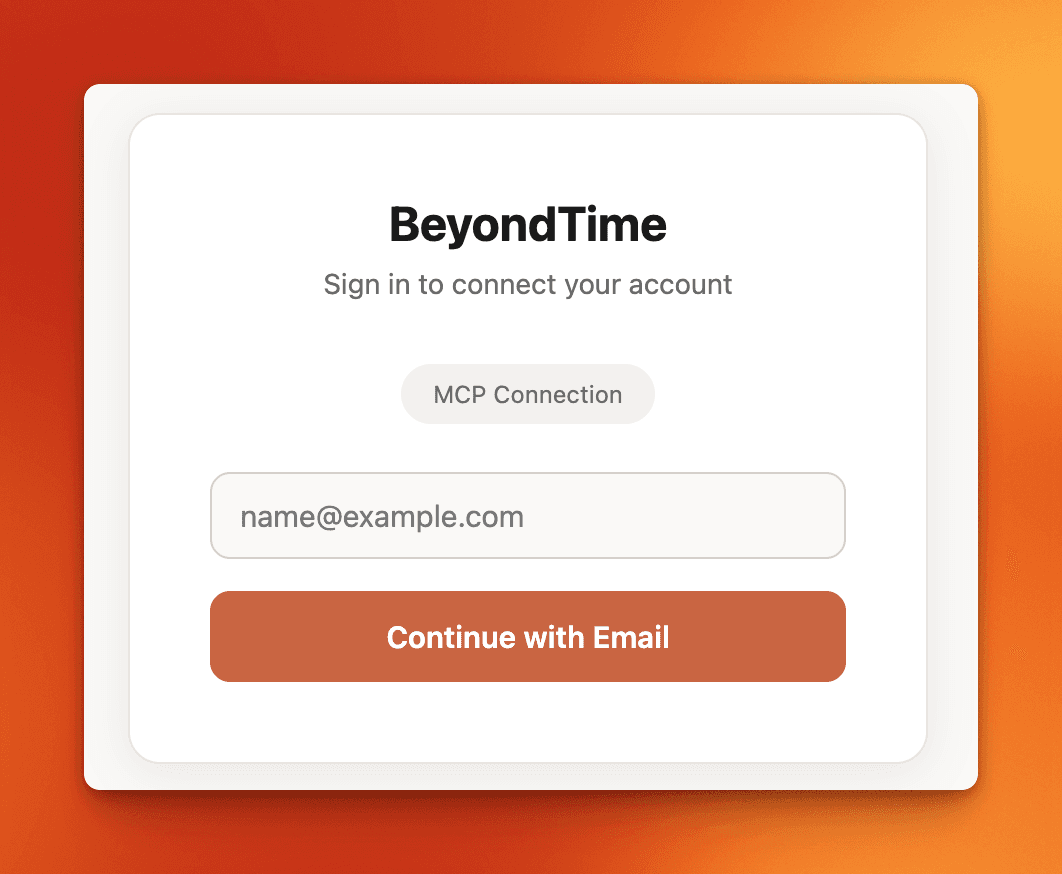
A sign-in page will appear. Enter your email address and click "Continue with Email" to authenticate and authorize the connection. Once complete, Claude can access all your BeyondTime data.
Pro Tip
Use the same email you registered with on BeyondTime. Once connected, you can ask Claude to create goals, track habits, get AI reflections, and more.
Key Features
Related Guides
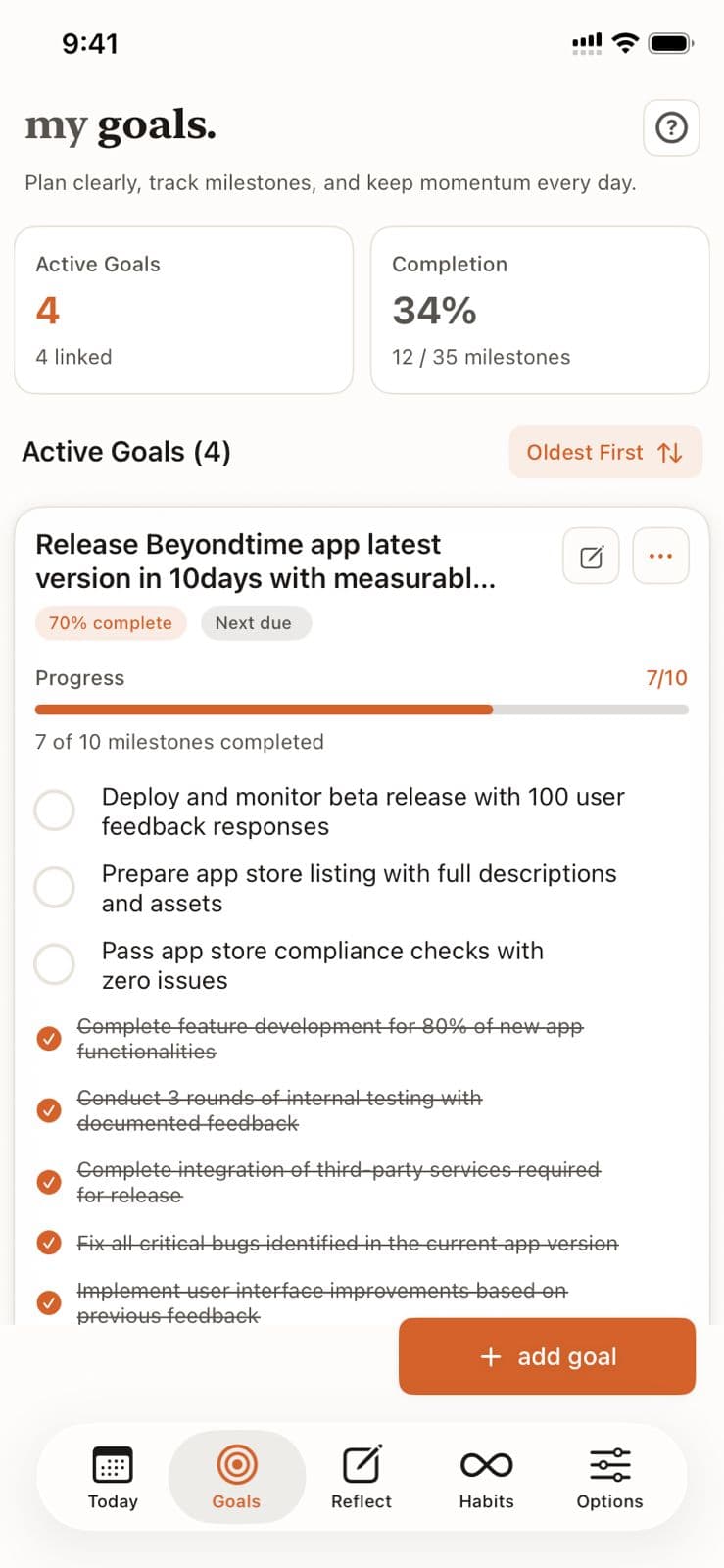
Goals Setup
Goals are the foundation of your productivity journey in Beyond Time. Learn how to create meaningful goals, add AI-generated milestones, and track your progress toward achievement.
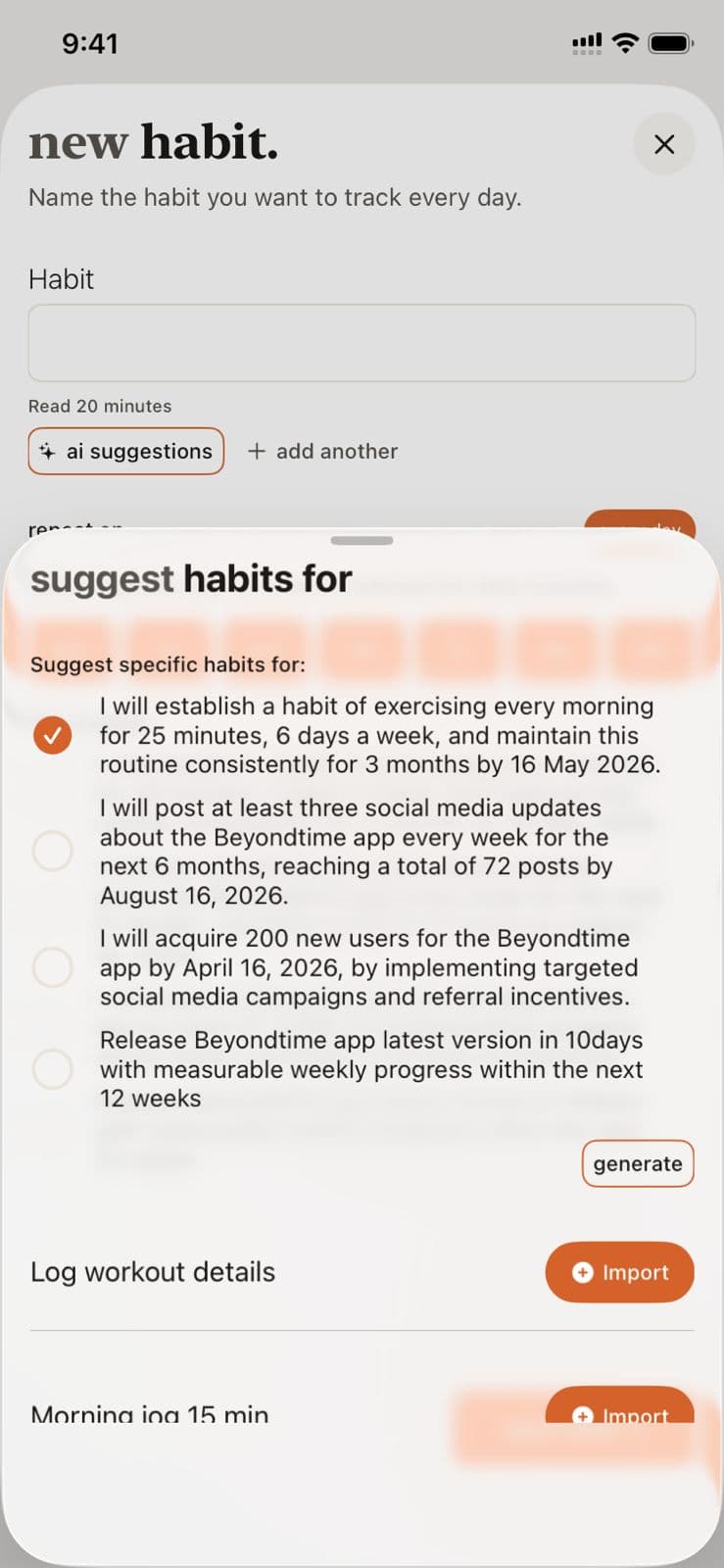
Habits Setup
Habits are daily or weekly actions you want to track consistently. Learn how to create habits, set their frequency, and use AI to suggest habits that align with your goals.
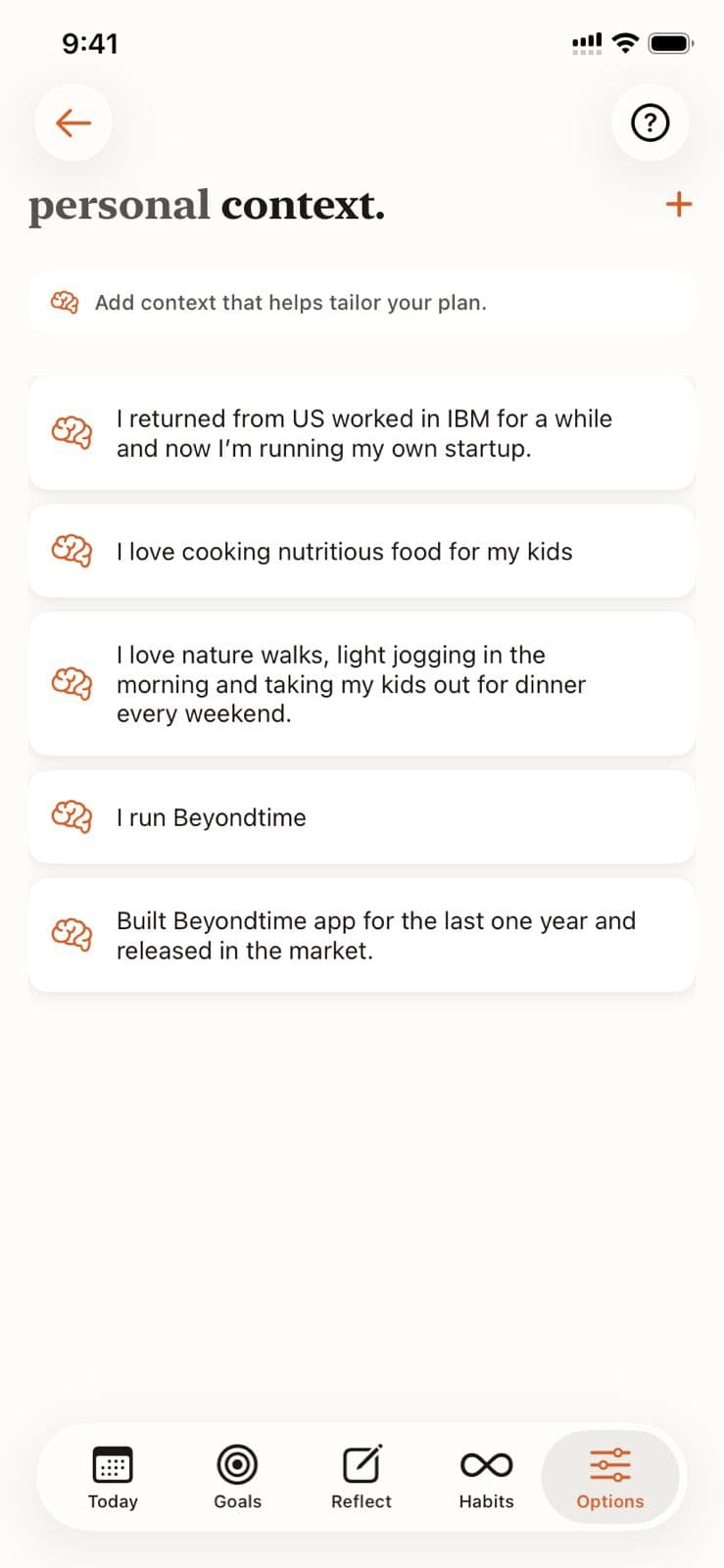
Personal Context
Help the AI understand your unique situation, constraints, and preferences by adding personal context. This enables truly personalized recommendations for goals, habits, and routines.
Ready to Try It Yourself?
Start using Beyond Time today and experience the power of AI-driven time mastery. The web platform is free forever.