Setting Up Personal Context
Help the AI understand your unique situation, constraints, and preferences by adding personal context. This enables truly personalized recommendations for goals, habits, and routines.
Navigate to Personal Context
Go to Settings and tap "setup my personal context". This is where you manage the information the AI uses to personalize your experience.
Add Your First Memory
Tap "+ Add Personal Context" to create a new entry. Write a brief description of something important about your life, work, or situation.
Pro Tip
Start with your profession, family situation, or main constraints on your time.
Include Relevant Details
Good context entries include: your career/profession, family responsibilities, health considerations, time constraints, learning style, and personal values.
Build Your Context Library
Add multiple entries over time. Free users can add up to 3 entries, while Pro users can add up to 20. More context means better AI personalization.
Edit or Remove Entries
As your life changes, update your personal context. Edit existing entries to keep them current, or delete ones that are no longer relevant.
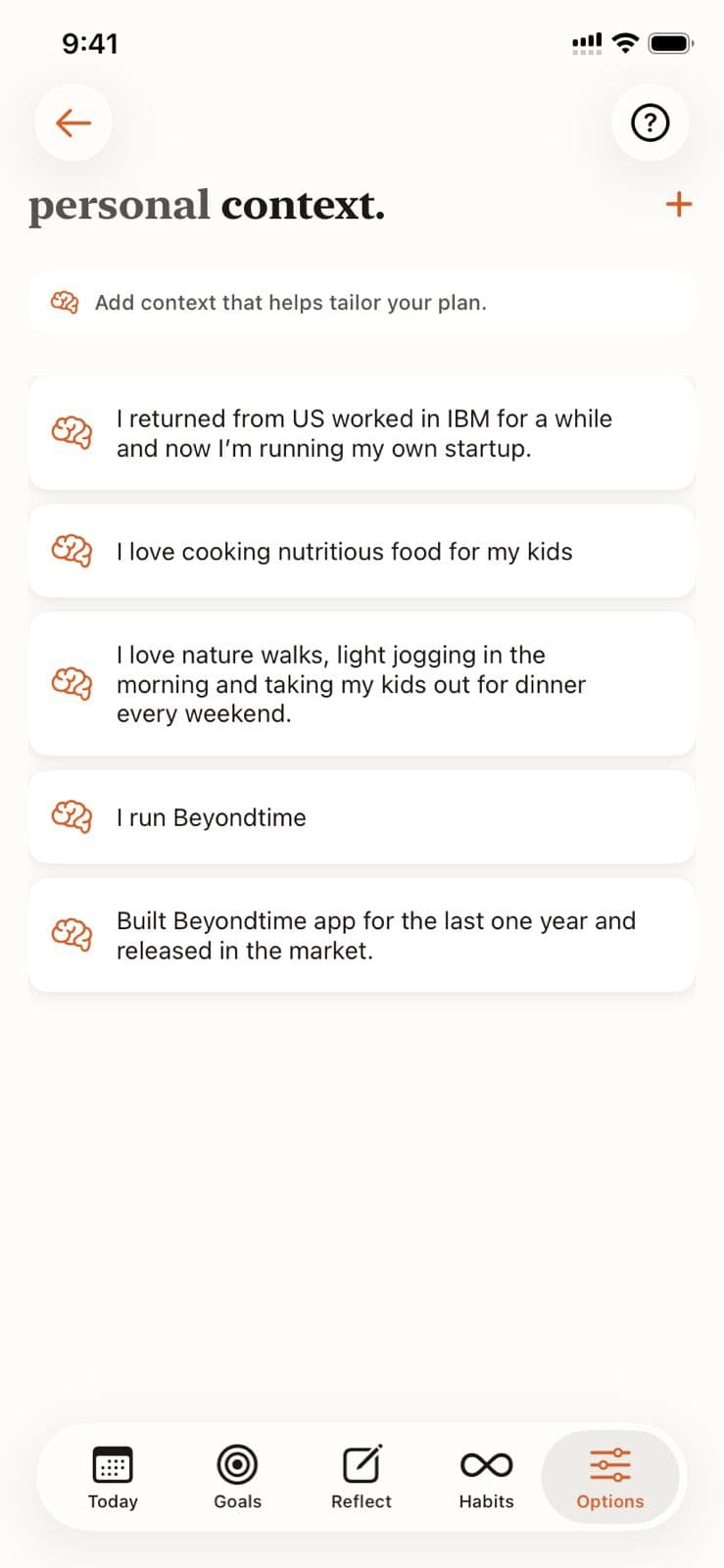
Personal Context in Beyond Time
Key Features
Related Guides
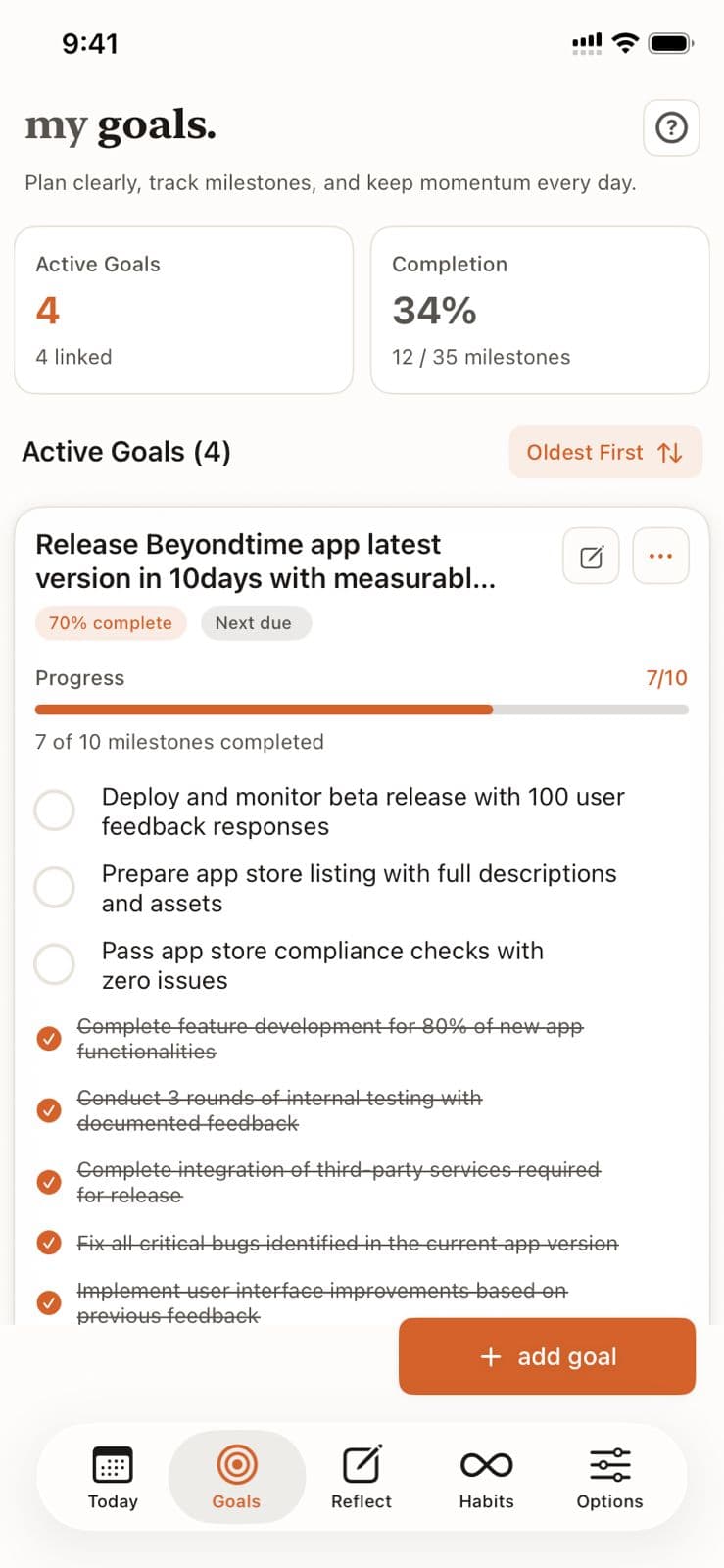
Goals Setup
Goals are the foundation of your productivity journey in Beyond Time. Learn how to create meaningful goals, add AI-generated milestones, and track your progress toward achievement.
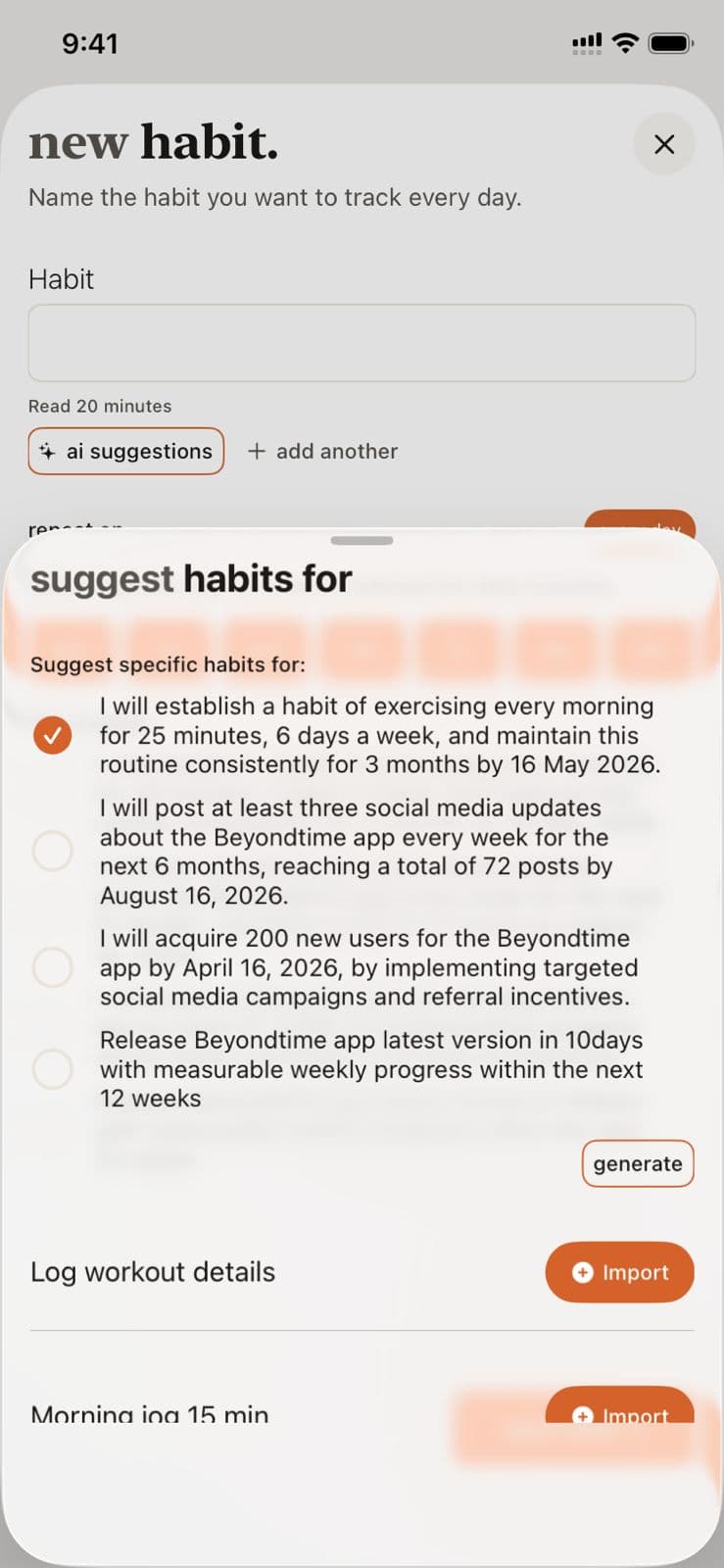
Habits Setup
Habits are daily or weekly actions you want to track consistently. Learn how to create habits, set their frequency, and use AI to suggest habits that align with your goals.
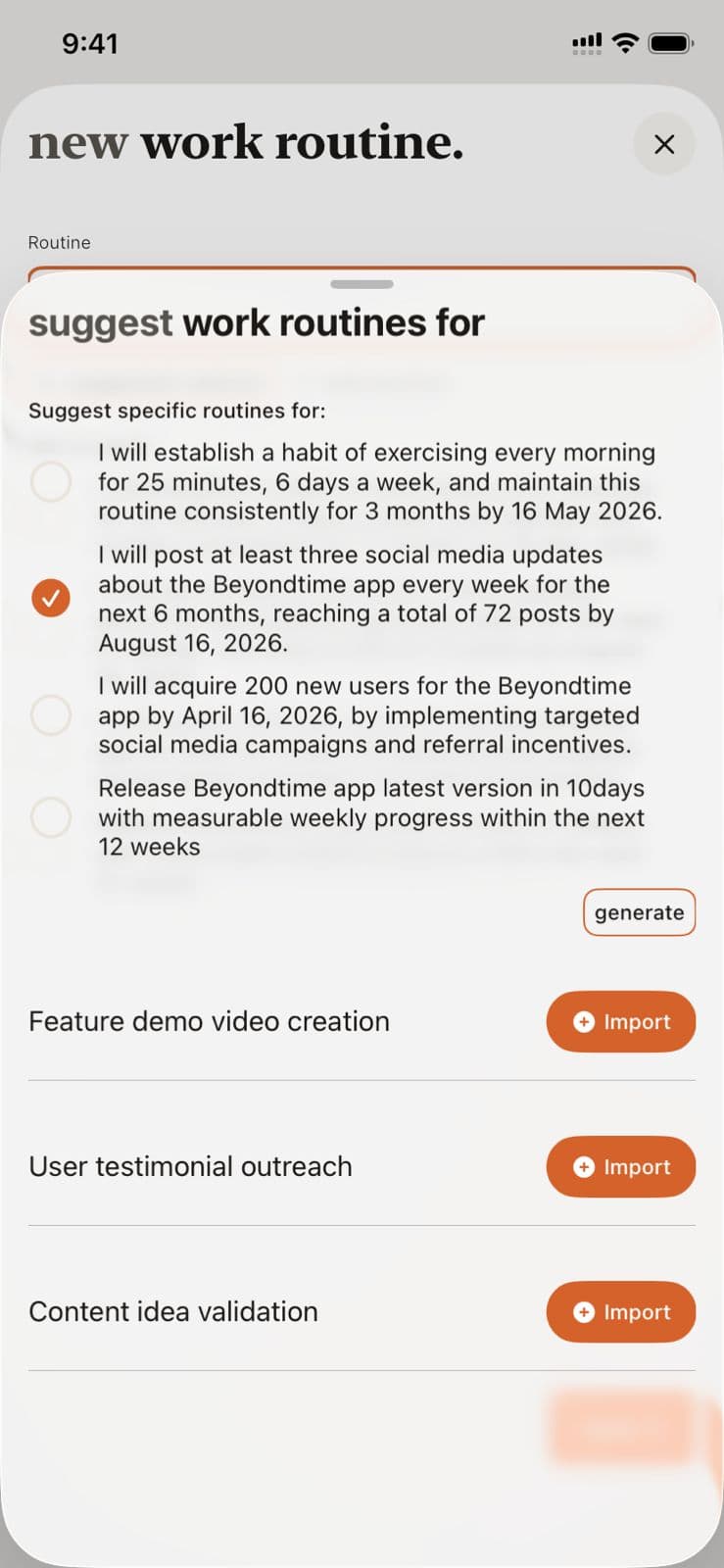
Routines Setup
Routines are structured time blocks that help you build consistent daily practices. Learn how to create routines across four life categories and use AI to suggest routines aligned with your goals.
Ready to Try It Yourself?
Start using Beyond Time today and experience the power of AI-driven time mastery. The web platform is free forever.