How to Get AI-Powered Habit Recommendations
Discover how the AI analyzes your goals and personal context to suggest habits that will accelerate your progress and create lasting change.
Open Habit Suggestions
From the Habits page, tap the "Suggest Habits" button to open the AI suggestion dialog. This initiates the personalized recommendation process.
Review Personal Context Warning
If you have fewer than 3 personal context entries, you'll see a warning. Adding more context helps the AI provide more tailored suggestions.
Pro Tip
Add at least 3 personal context entries for the best AI recommendations.
Select Goals to Analyze
Choose which of your active goals the AI should consider when generating habit suggestions. All goals are selected by default, but you can customize this.
Generate Suggestions
Tap "Generate Suggestions" and wait for the AI to analyze your goals, existing habits, and personal context. This typically takes a few seconds.
Review and Add Habits
The AI presents 3-8 habit suggestions with checkboxes. Review each suggestion, uncheck any you don't want, then tap "Add Selected Habits" to create them.
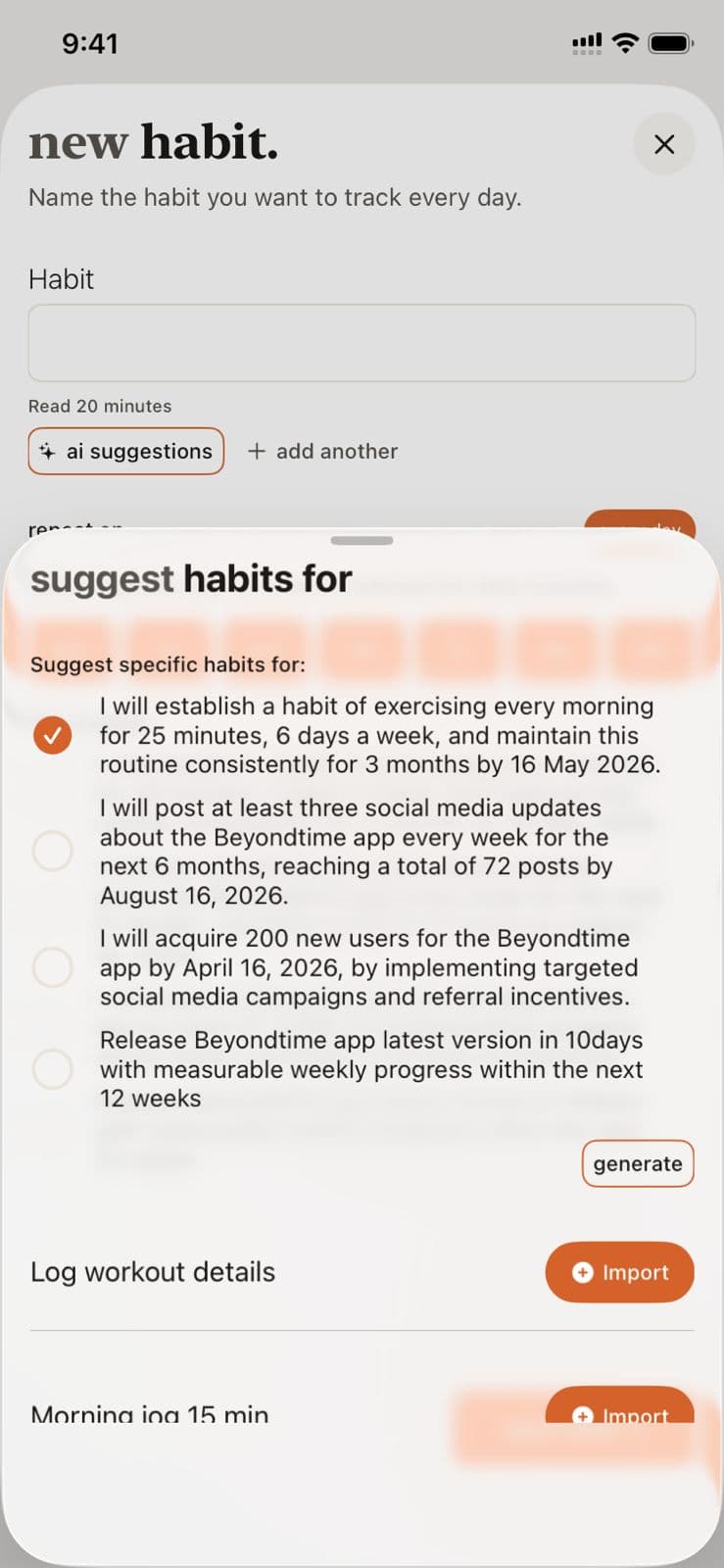
AI Habit Suggestions in Beyond Time
Key Features
Related Guides
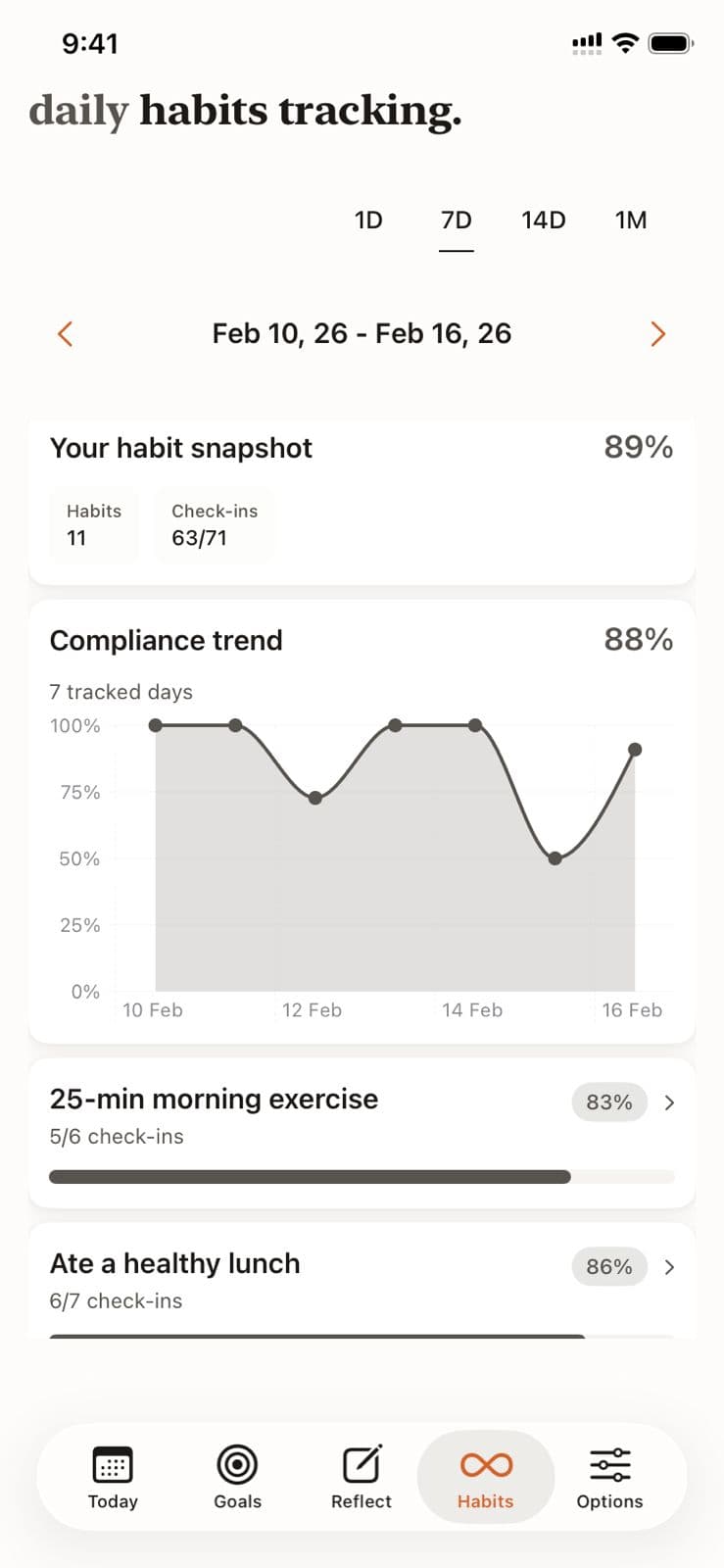
Habit Tracking
Learn how to effectively log your daily habits, track completion streaks, and review your habit history for long-term behavior change.
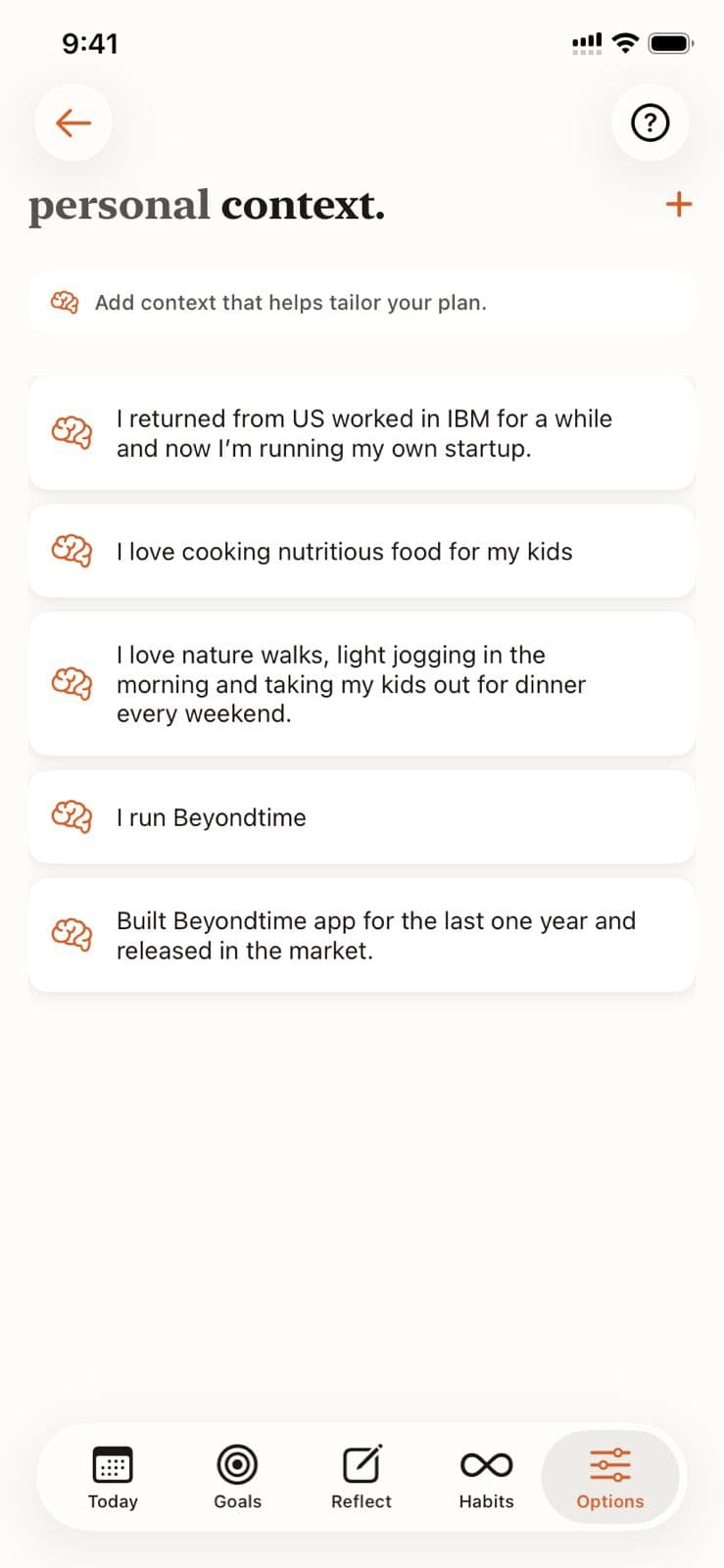
Personal Context
Help the AI understand your unique situation, constraints, and preferences by adding personal context. This enables truly personalized recommendations for goals, habits, and routines.
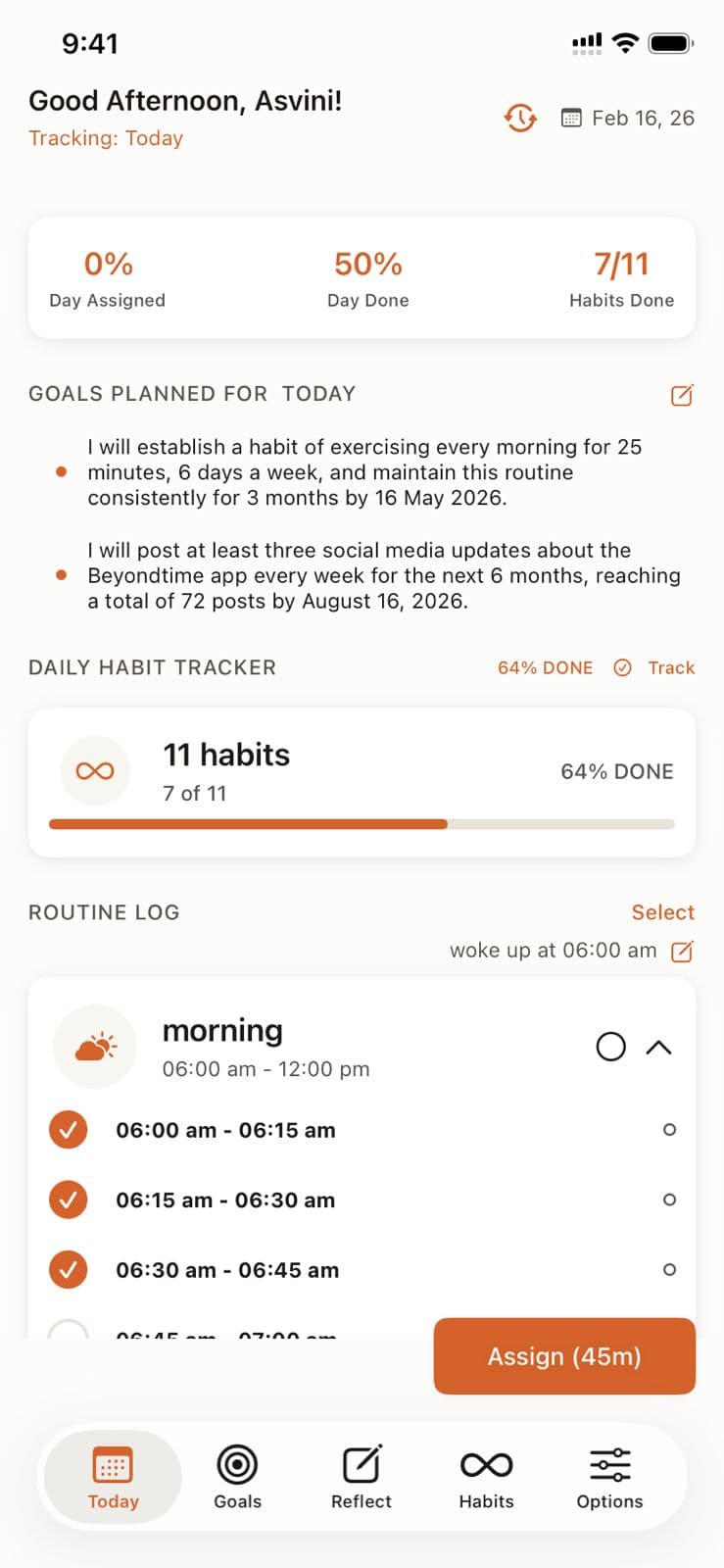
Quick Assign
Learn how Quick Assign reads your calendar and suggests time block assignments, letting you fill your day in seconds instead of minutes.
Ready to Try It Yourself?
Start using Beyond Time today and experience the power of AI-driven time mastery. The web platform is free forever.