How to Get Personalized Routine Recommendations
Learn how to use AI-powered routine suggestions to build a balanced daily schedule across Health, Work, Sleep, and Life categories.
Open Routine Suggestions
From the Routines page, tap "Suggest Routines" to open the AI suggestion dialog. This will help you discover routines aligned with your goals.
Select a Category
Choose which category you want routine suggestions for: Health, Work, Sleep, or Life. The AI will focus its recommendations on this area.
Pro Tip
Start with the category where you feel you need the most improvement.
Choose Goals to Consider
Select which of your active goals the AI should analyze. The more relevant goals you select, the more targeted your routine suggestions will be.
Generate Suggestions
Tap "Generate Suggestions" and let the AI analyze your goals, personal context, and existing routines to create personalized recommendations.
Add Selected Routines
Review the AI's suggestions, uncheck any that don't fit your needs, and tap "Add Selected Routines" to create them in the chosen category.
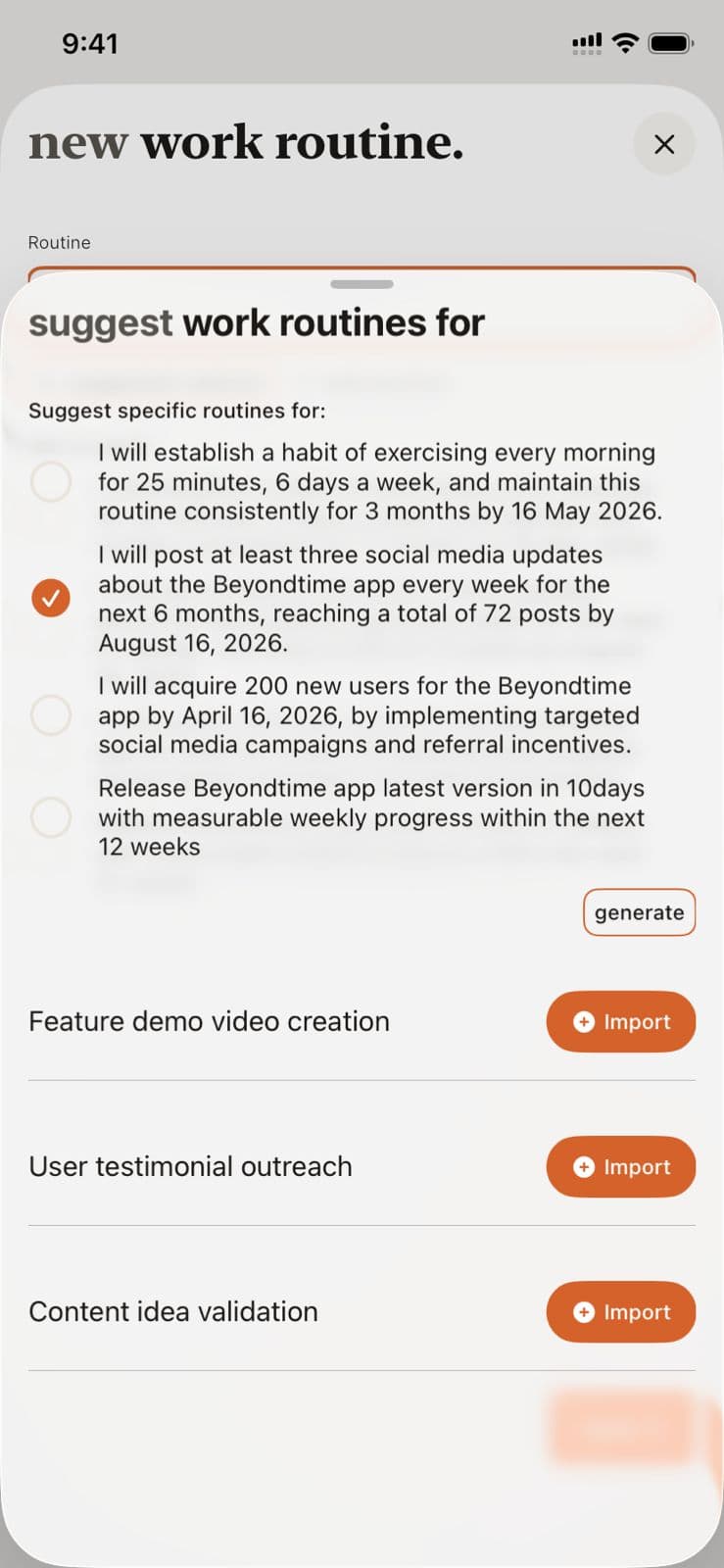
AI Routine Suggestions in Beyond Time
Key Features
Related Guides
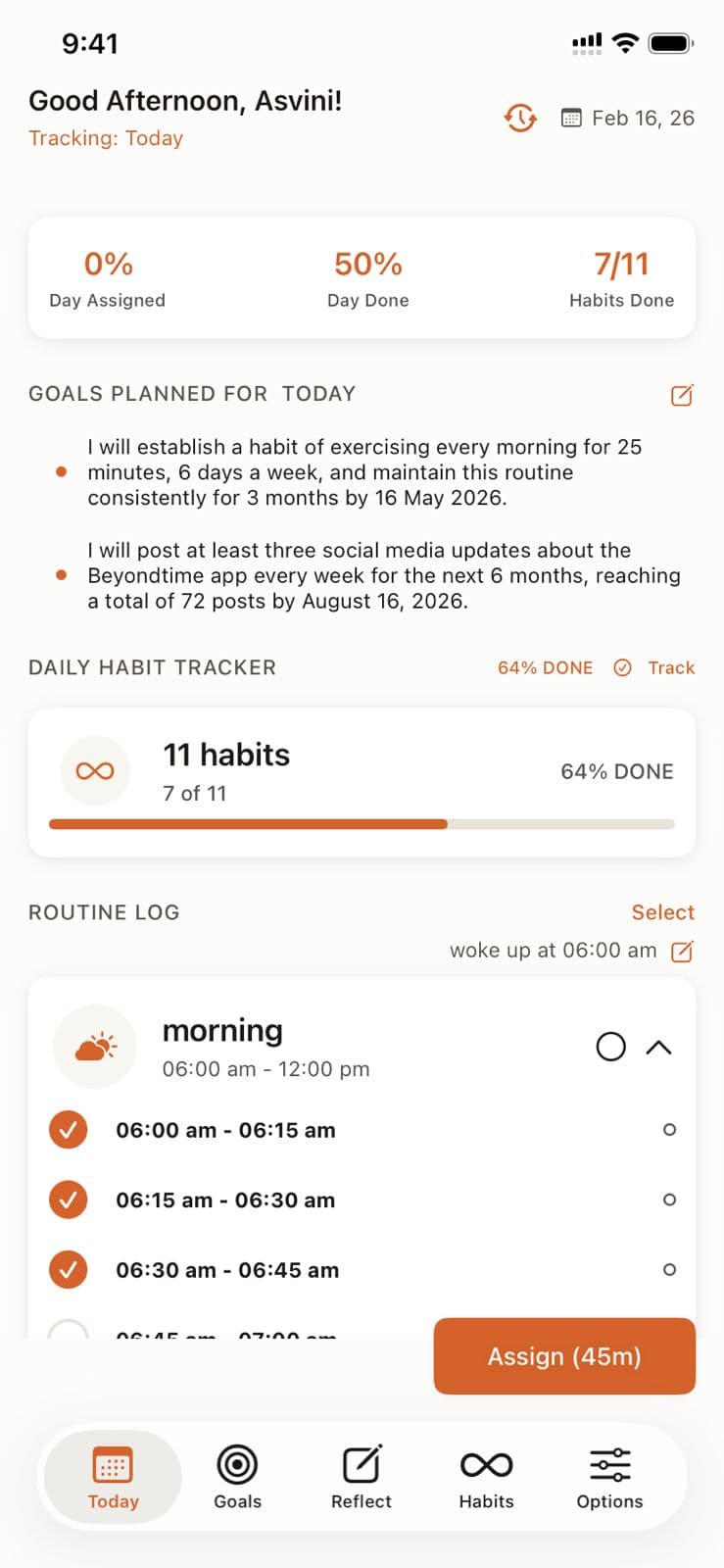
Routine Management
Master routine management in Beyond Time by creating, organizing, and tracking routines across your four life categories: Health, Work, Sleep, and Life.
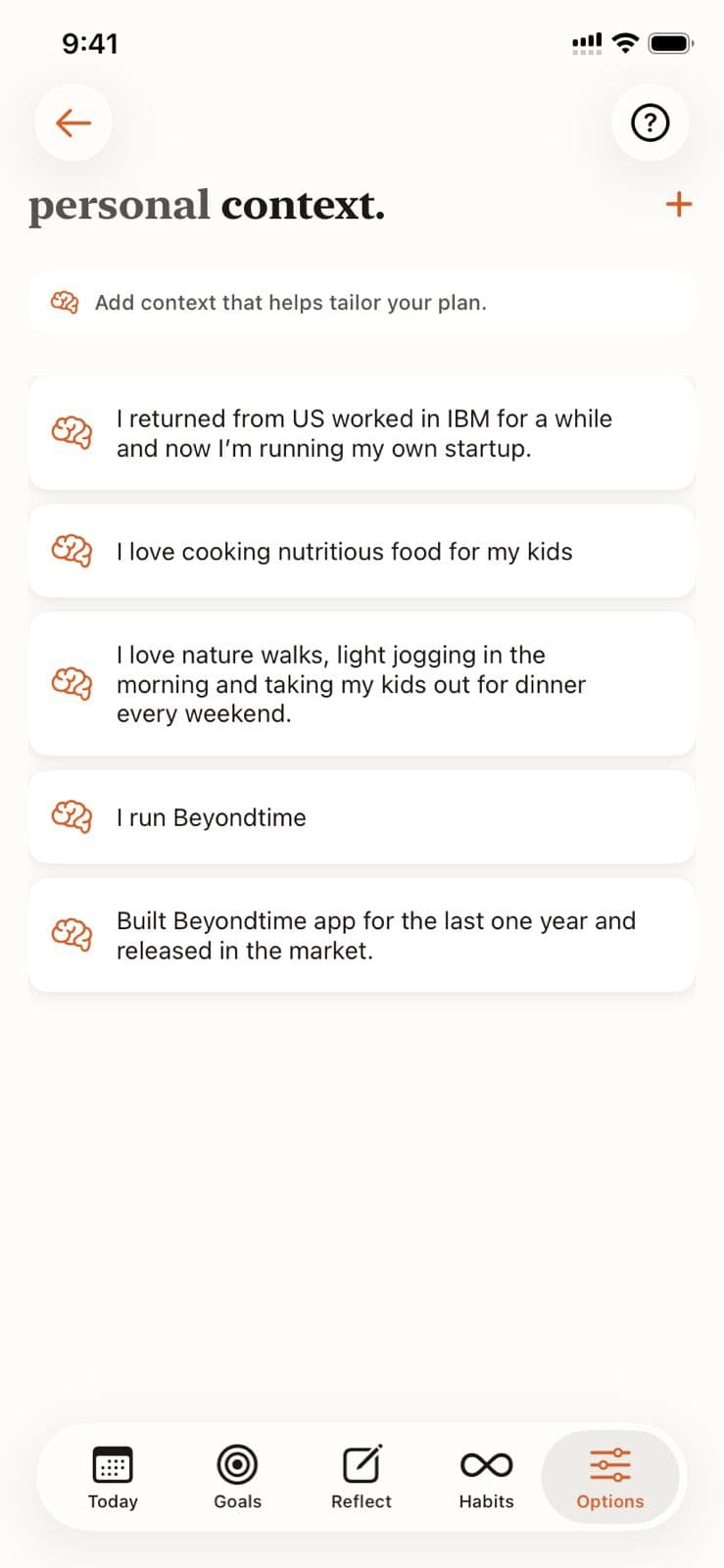
Personal Context
Help the AI understand your unique situation, constraints, and preferences by adding personal context. This enables truly personalized recommendations for goals, habits, and routines.
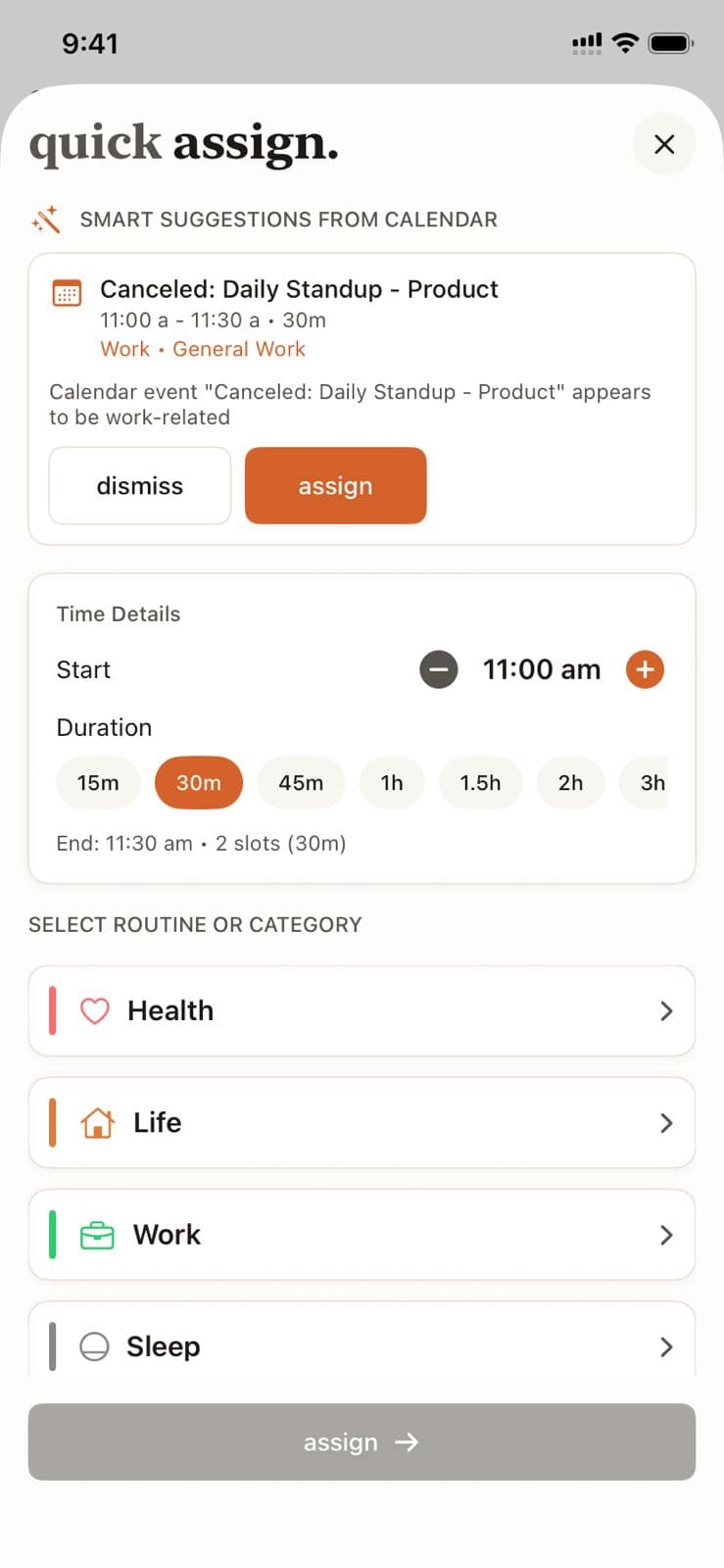
Quick Assign
Learn how Quick Assign reads your calendar and suggests time block assignments, letting you fill your day in seconds instead of minutes.
Ready to Try It Yourself?
Start using Beyond Time today and experience the power of AI-driven time mastery. The web platform is free forever.