Setting Up Your Routines
Routines are structured time blocks that help you build consistent daily practices. Learn how to create routines across four life categories and use AI to suggest routines aligned with your goals.
Understand What Routines Are
Routines are structured activities that you perform regularly. They are organized into four life categories: Health, Life, Work, and Sleep. Each routine can be tracked daily to build consistency.
Access Routines Setup
Go to Settings and tap "setup my routines". You'll see your routine categories with any existing routines listed under each.
Choose a Category
Tap on a category (Health, Life, Work, or Sleep) to view and manage routines in that area. Each category helps you organize different aspects of your daily life.
Create Routines Manually
Tap "+ add a routine" to create a new routine. Enter the routine name and it will be added to the current category.
Use AI to Suggest Routines
Tap the AI sparkle button to get routine suggestions based on your goals. Select which goals to consider, then import the suggestions that fit your schedule.
Pro Tip
AI suggestions work best when you have personal context and clear goals set up.
Manage Your Routines
Tap on any routine to see options: Edit Routine or Deactivate Routine. Deactivated routines are hidden but not deleted, so you can reactivate them later.
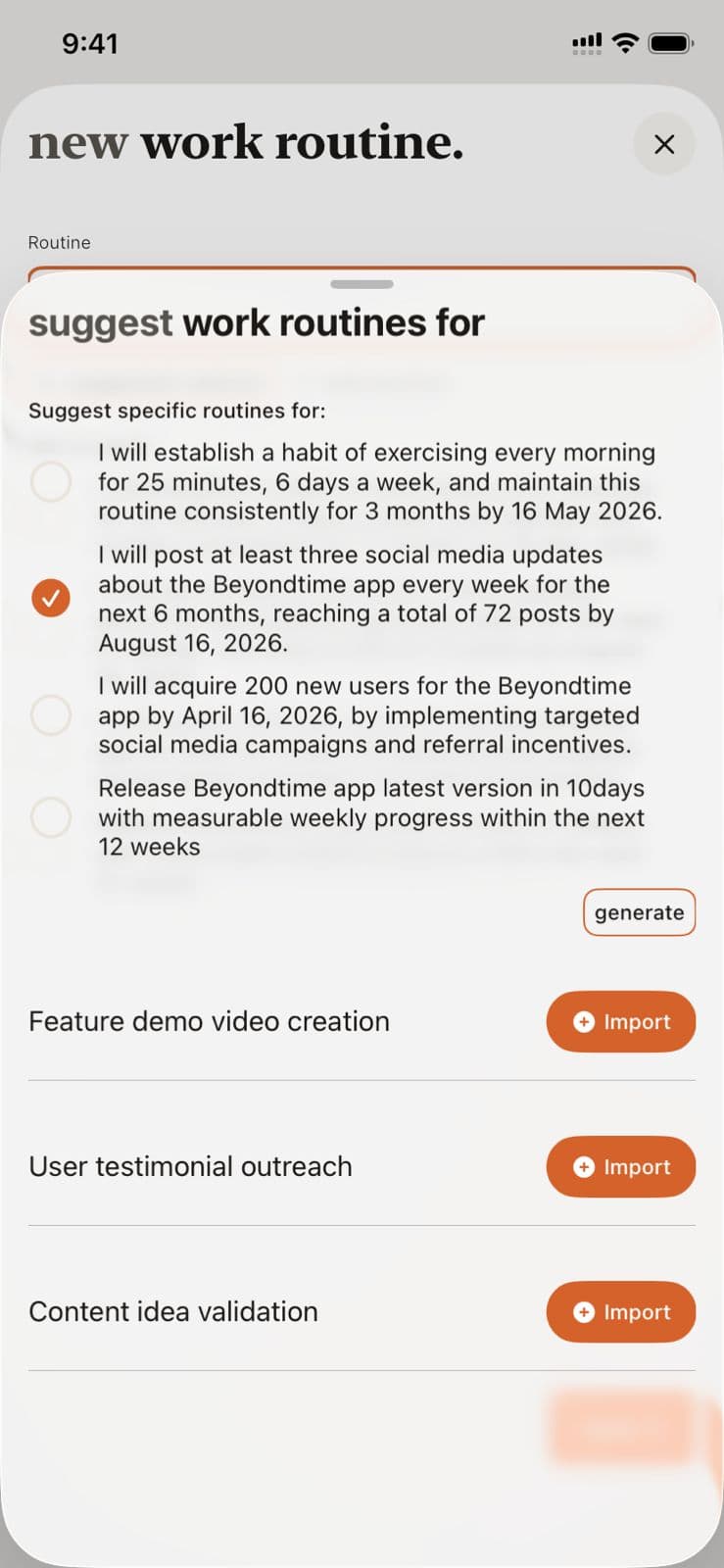
Routines Setup in Beyond Time
Key Features
Related Guides
AI Routine Suggestions
Learn how to use AI-powered routine suggestions to build a balanced daily schedule across Health, Work, Sleep, and Life categories.
Goals Setup
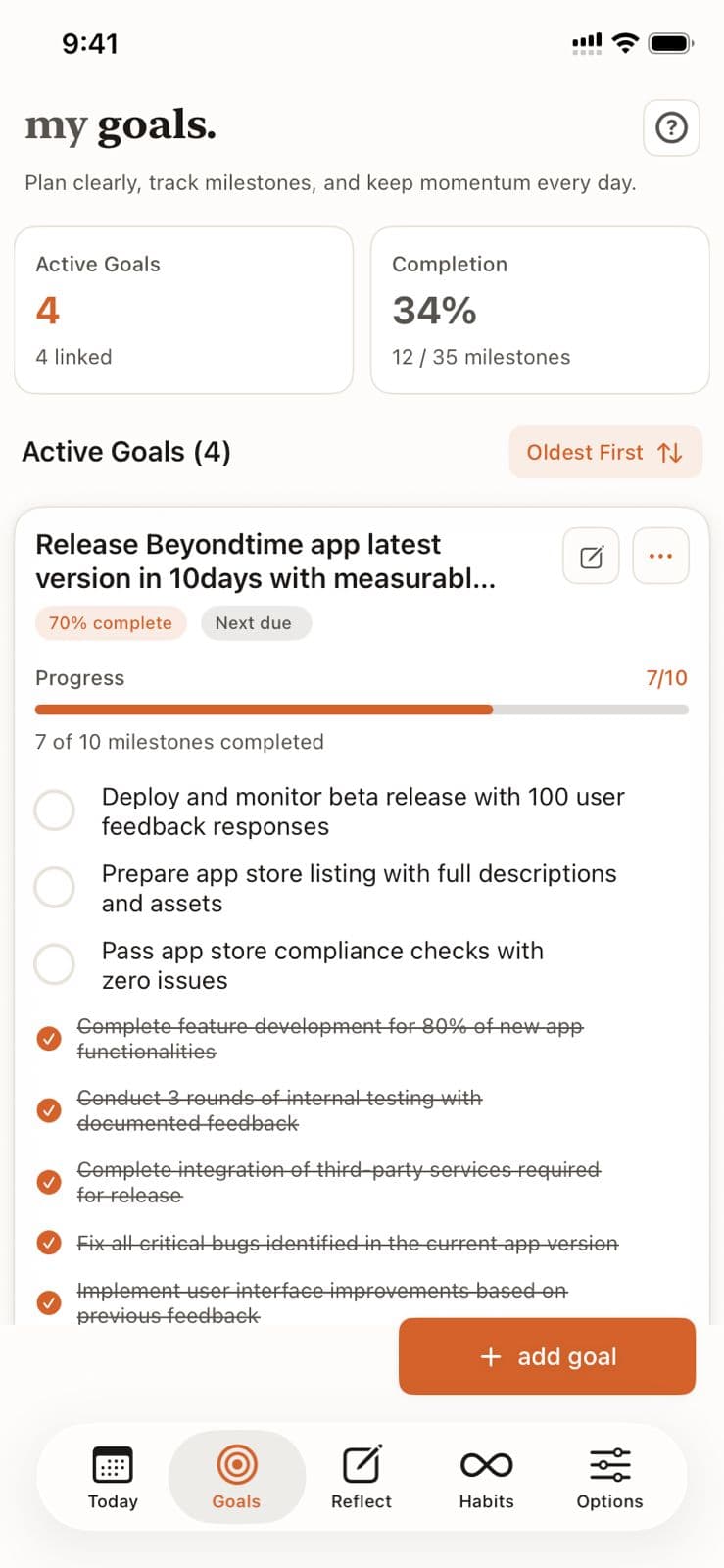
Goals are the foundation of your productivity journey in Beyond Time. Learn how to create meaningful goals, add AI-generated milestones, and track your progress toward achievement.
Daily Tracking
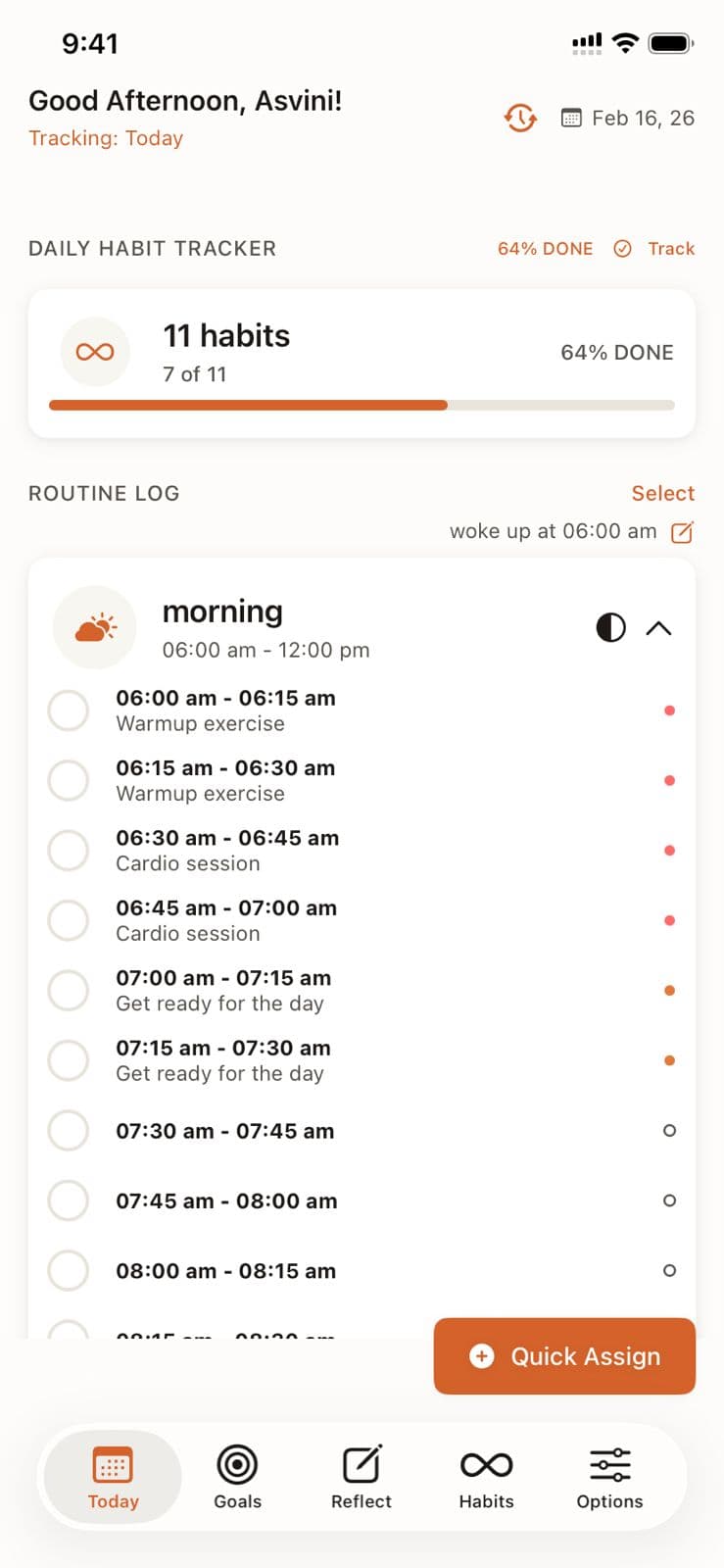
Master the 15-minute precision tracking system to understand exactly where your time goes and identify opportunities for improvement.
Ready to Try It Yourself?
Start using Beyond Time today and experience the power of AI-driven time mastery. The web platform is free forever.